
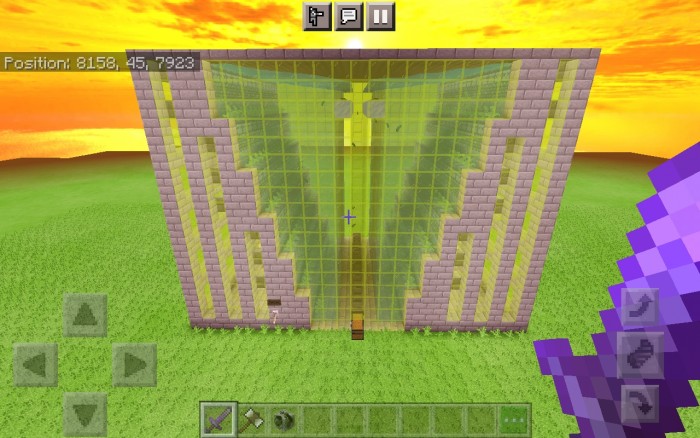
About Insta farm
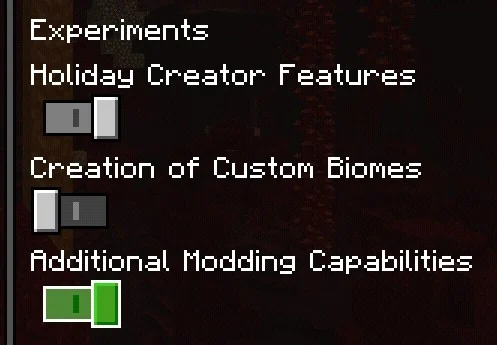
Created by By EndXenoc MCPE ⚠️you must have the experimental options activated.
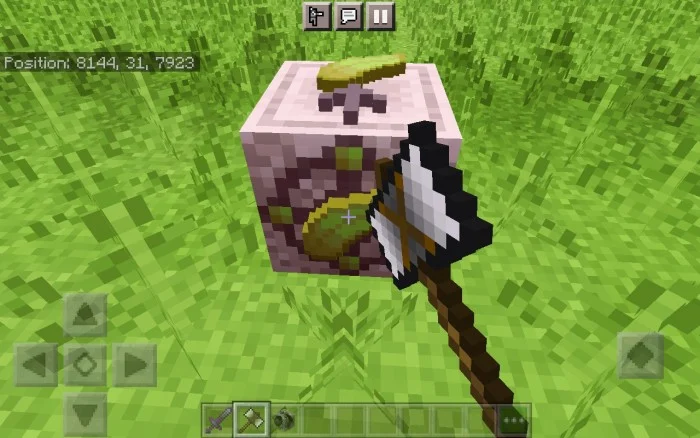
With the help of this addon you can generate automatic farms in your world. Just use the spawn eggs found in the creative inventory and you’re done!
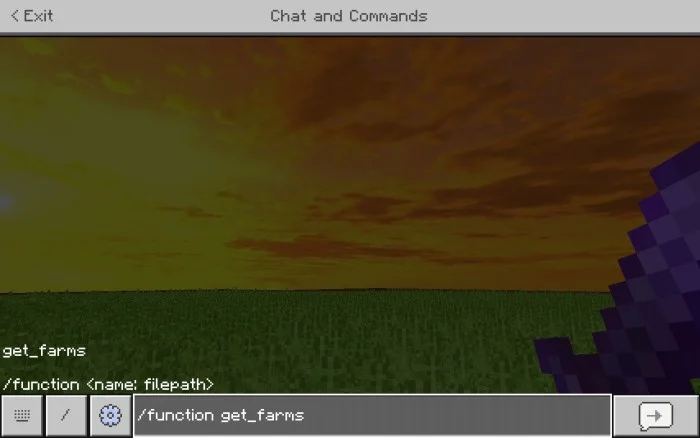
All the blocks you can get them by placing the command: /function get_farms
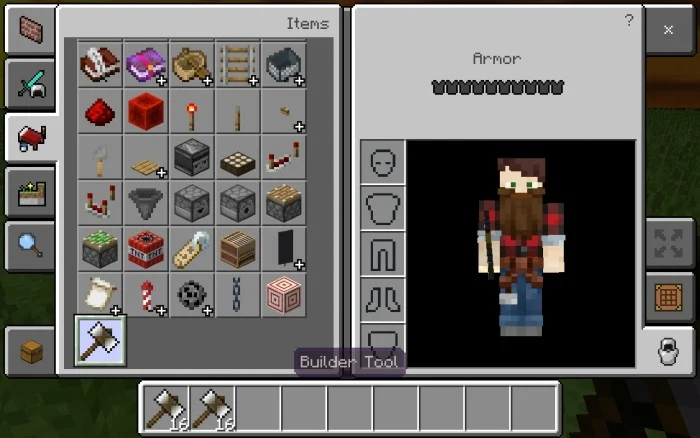
The builder tool is used to generate the farms and is in the creative inventory.
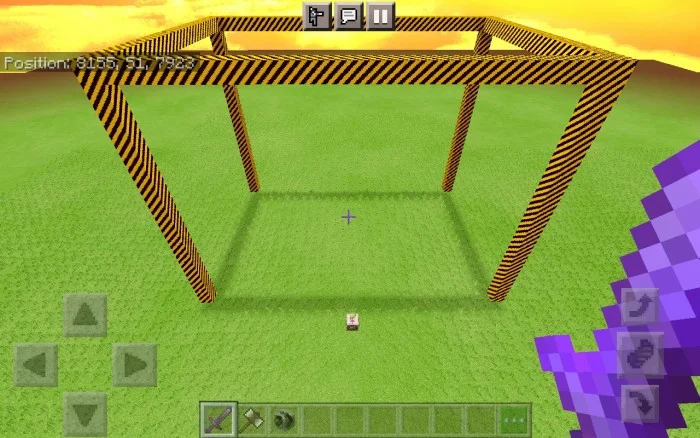
When you place the any block of the addon, a mark will be generated which is the area where the farm will be generated.
If you click / tap with the "Builder Tool" on the block the farm will be generated.
If you break the block (in survival) the marked area will disappear.
Insta farm screenshots
How to install Insta farm
- Download the .mcaddon file using the button on this page.
- Open the downloaded file with Minecraft Bedrock Edition.
- Wait for Minecraft to confirm that the import has completed.
- Activate the imported pack in the world settings.
- Back up important worlds before installing community content.
Download Insta farm (1.19, 1.20) Food for free
Preparing your download…
If the download did not start automatically, click here.


