
About Ingen Lost Files
⚠️activate the experimental gameplay
Be prepared, because these are the files that Ingen doesn’t want anyone to know about, from a project that tried to show the world what dinosaurs were like, it’s time to recover the files and reveal the truth to the people, you need to bring these creatures back to life!
Fossils
Fossils, all that remains of these magnificent animals, you can find the Albertosaurus fossils in the Mega Taigas
Amber
amber is a solidified tree sap, you can find it in the taiga caves, and if you are lucky you will find one with an archeopteryx feather inside, which will be necessary to get DNA
Fossil Benchs
You can use this special Table to assemble fossils that you have found.
Analyzer
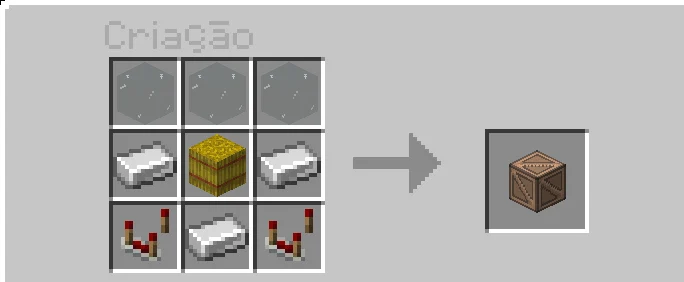
But .. if you are not satisfied with just fossils, you can use this machine to extract the DNA of the Fossils you found.
Incubator
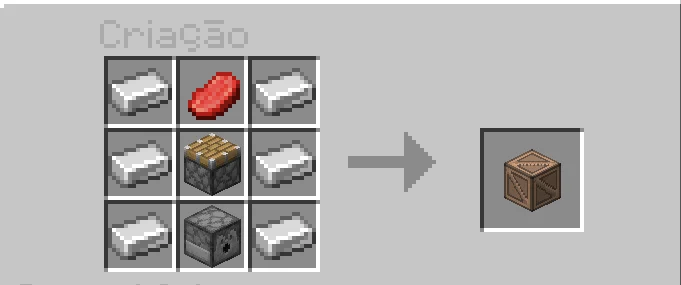
Right! You already have the DNA, now with this machine you will only need a chicken egg to ingest the DNA and get the egg of a dinosaur!
Albertosaurus
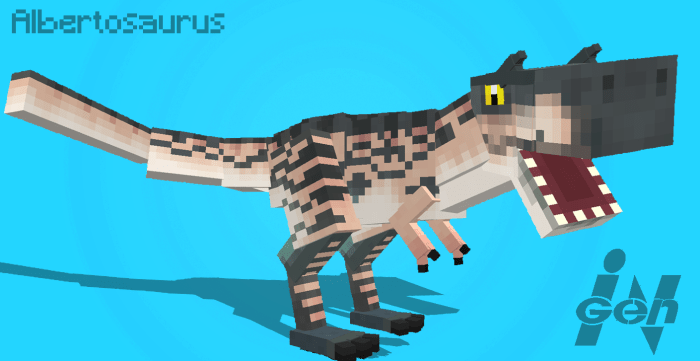
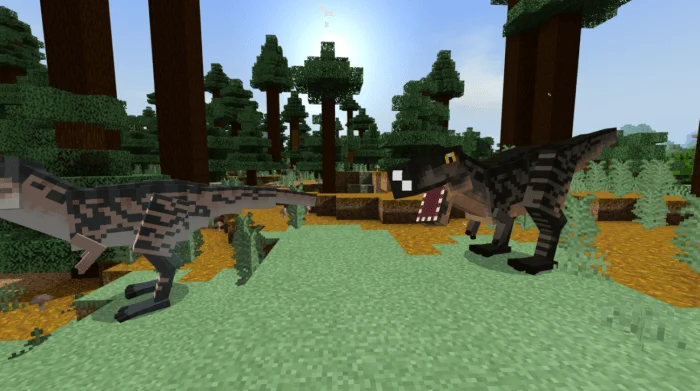
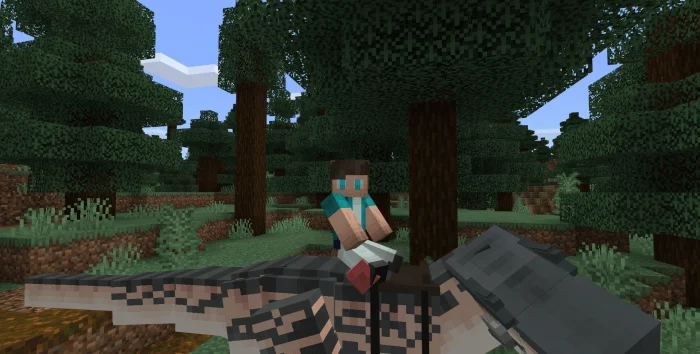
They are relatives of the famous Tyrannosaurus rex, but smaller, they are differentiated because of their small horns on top of the head, males have smaller horns than females, Albertosaurus have 6 color variants.
Eggs
You can breed your Albertosaurus with beef, so they put a move that will hatch after a while.
Archeoptery
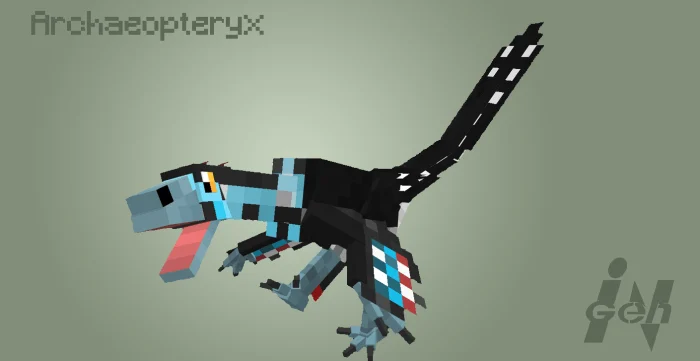
Archeopteryx is a small feathered dinosaur that feeds on insects, males do dances to attract females and imitate a song, you can sleep the babys with insect stew.
Dragonfly
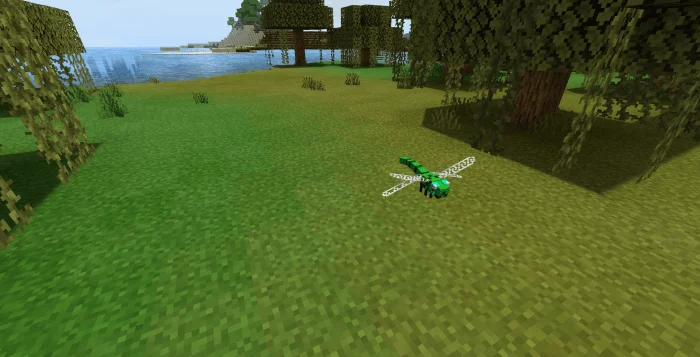
dragonflies are insects that spawn in swamps and rarely in taigas, you can kill them to get different parts of her body and make insect stew.
Insect stew
Insect stew is a nutritious meal that, although it makes you nauseous, it will give you temporary regeneration and leave you feeling full for a long time, you can use it to tame baby archeopteryx.
Ingen Lost Files screenshots
How to install Ingen Lost Files
- Download the .mcaddon file using the button on this page.
- Open the downloaded file with Minecraft Bedrock Edition.
- Wait for Minecraft to confirm that the import has completed.
- Activate the imported pack in the world settings.
- Back up important worlds before installing community content.
Download Ingen Lost Files (1.16) Mobs for free


