
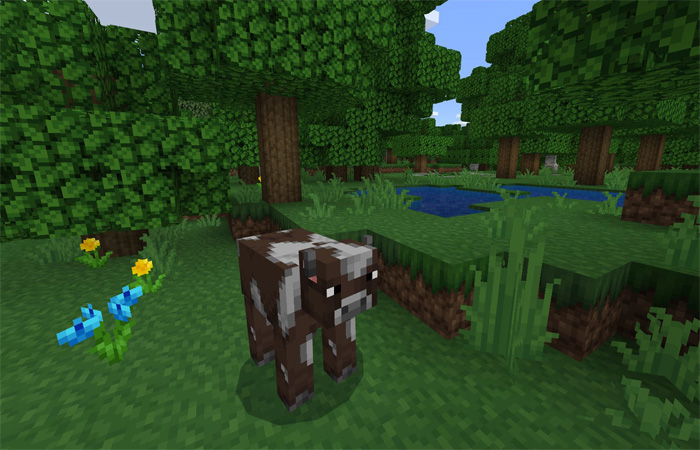
About Haven
Haven is a beautiful texture pack which has been in development since the early summer of 2017. The idea is to create a texture pack similar to the default textures but with a more unified and polished art style. Even though it’s a work in progress it still adds a great feel and refreshing look to the game.
How to install Haven
- Download the .mcpack file using the button on this page.
- Open the downloaded file with Minecraft Bedrock Edition.
- Wait for Minecraft to confirm that the import has completed.
- Activate the imported pack in the world settings.
- Back up important worlds before installing community content.
Download Haven Textures for free
Preparing your download…
If the download did not start automatically, click here.


