
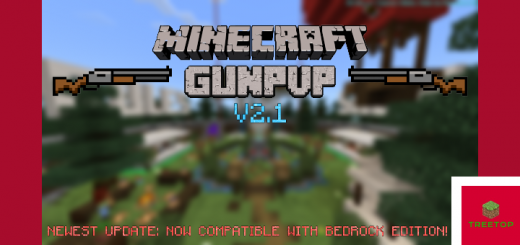
About GunPvP
Created by By Treetop Studios
Its a awesome game where you can hop in a match with your friends, and fight to the death WITH GUNS! There's a currency system to buy what your heart desires, and even 4 MINIGAMES that you can play when you finished your game of GunPvP! These include Sumo Mini, Archery Practice, VIP Parkour, and Dragon Flight!
HOW TO SHOOT AND RELOAD THE GUNS
RIGHT CLICK TO SHOOT A GUN
HOLD RIGHT CLICK ON THE GUN'S AMMO TO RELOAD
THE MINIMUM AMOUNT OF PLAYERS HAS TO BE 2 IN ORDER FOR THE GAME TO FULLY FUNCTION (OR ELSE YOU HAVE NO ONE TO PLAY WITH) MINIGAMES WORK WITH 1 PLAYER (EXCEPT SUMO MINI)
FEATURES
- Full Currency System (GOLD)
- 3 Shops that Sells Different Items
- 75 x 75 Blocks Detailed Arena
- 4 Minigames (Sumo Mini, Dragon Flight, VIP Parkour, Archery Practice)
- Spectator Mode
- Ranking System to Show Off to Other Players
- VIP Pass That You Can Buy With Gold
- Lobby with Things to Do
THE KITS
There are 13 kits for you to chose from, including 10 regular and 3 VIP! SNIPER KIT AK-117 KIT MINIGUN KIT P90 KIT M16 KIT SHOTGUN KIT AK-47 KIT SUBMACHINEGUN KIT SCAR KIT SWORD KIT
GunPvP screenshots


How to install GunPvP
- Download the .mcworld file using the button on this page.
- Open the downloaded file with Minecraft Bedrock Edition.
- Wait for Minecraft to confirm that the import has completed.
- Select the imported world from the Minecraft world list.
- Back up important worlds before installing community content.
Download GunPvP (1.17, 1.18, 1.19) Arena for free


