
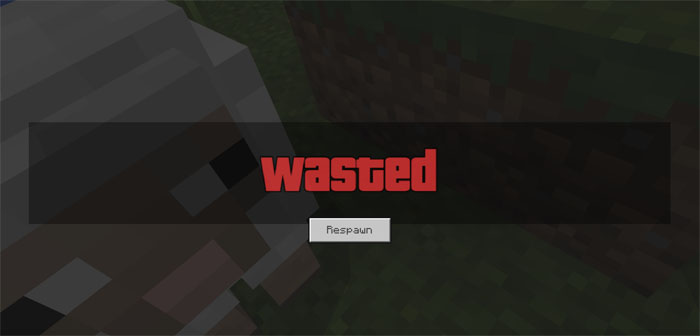
About GTA Wasted Screen
Anyone who have played GTA (Grant Theft Auto) should be familiar with this resource pack. The Wasted screen appears in Grand Theft Auto if a player loses all of their health either by being severely injured or collapsing. This resource pack takes that death screen and brings it to Minecraft. The sounds has also been altered to be more in tune with the death screen in GTA.
How to install GTA Wasted Screen
- Download the .mcpack file using the button on this page.
- Open the downloaded file with Minecraft Bedrock Edition.
- Wait for Minecraft to confirm that the import has completed.
- Activate the imported pack in the world settings.
- Back up important worlds before installing community content.
Download GTA Wasted Screen Textures for free
Preparing your download…
If the download did not start automatically, click here.


