
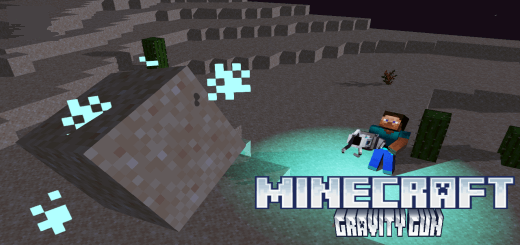
About Gravity Gun
Created By 鸥吃鱼 ⚠️Turn on experiments in map settings!
Do you like the weapon gravity gun in HALF-LIFE 2? With the addon you can use gravity gun to control blocks, items or even entities!
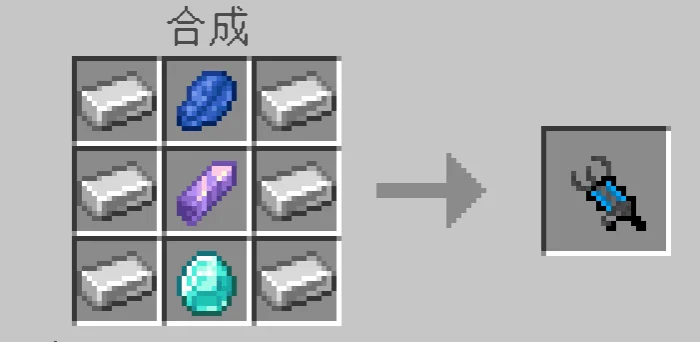
- How to get super gravity gun?
It's craftable in survival mode.
- How to use my super gravity gun?
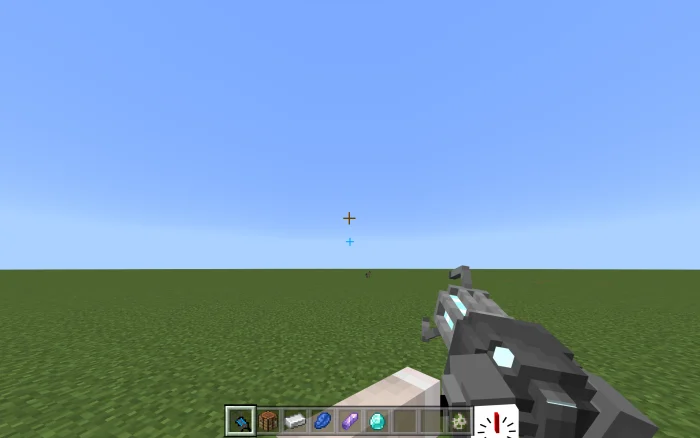
After getting the super gravity gun, you will find that there are 2 aim-able crosshairs.
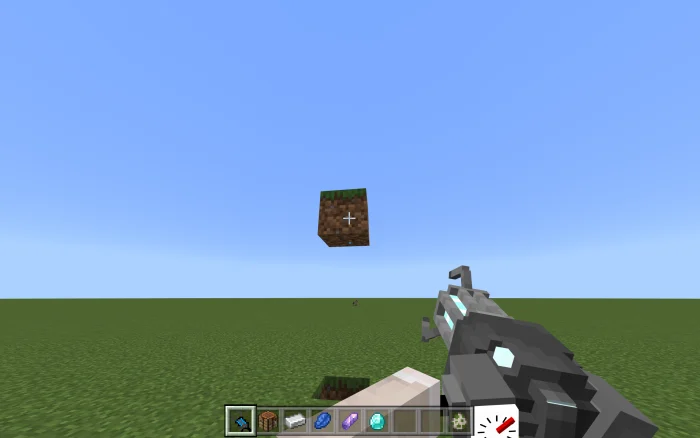
The blue one is for super gravity gun. You can aim the target you want to control with it. Hold long pressing/right clicking, you can drag the target.
When the target is controlled, you can sneak to pull it back to you.
Release long pressing/right clicking when you are sneaking, the target will fall in place. But if you release long pressing/right clicking without sneaking, you will shoot the target.
This works on items and entities as well. But remember the super gravity gun will deal a lot of DMG while controlling, so the entity could die halfway.
Gravity Gun screenshots
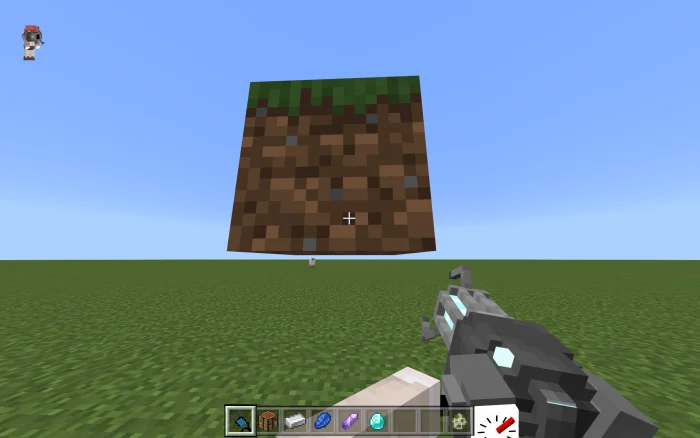
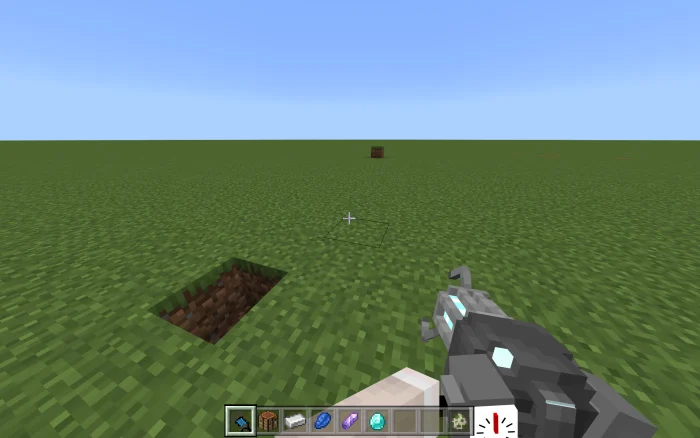
How to install Gravity Gun
- Download the .mcaddon file using the button on this page.
- Open the downloaded file with Minecraft Bedrock Edition.
- Wait for Minecraft to confirm that the import has completed.
- Activate the imported pack in the world settings.
- Back up important worlds before installing community content.
Download Gravity Gun (1.20) for free


