
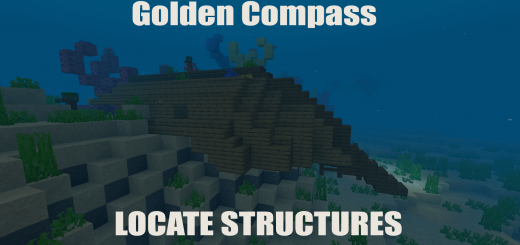
About Golden Compass
Created By Average Milk To Launch this addon you will need all of These Experimental Toggles ON!
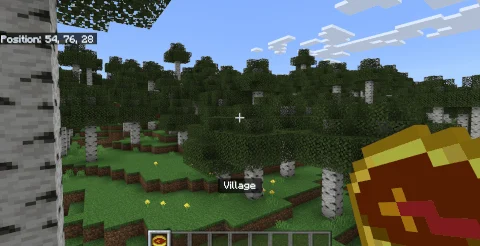
Ever wanted to locate structures without the need of using the "/locate" command, Golden Compass is a Addon that lets you locate Vanilla Structures and directs you to their location.
Shift while holding the compass To switch between structures and face a direction then follow the compass direction.
What can the Golden Compass find
+ Village + Desert temple / Jungle temple / Igloo / Swamp hut + Stronghold + Shipwreck + Ruined Portal + Pillager Outpost + Ocean Ruins + Underwater Monument + Mineshaft + Wooden Mansion + Buried Treasure + Bastion Remnant (Nether only) + Fortress (Nether only) + End City (End only)
Golden Compass screenshots

How to install Golden Compass
- Download the .mcaddon file using the button on this page.
- Open the downloaded file with Minecraft Bedrock Edition.
- Wait for Minecraft to confirm that the import has completed.
- Activate the imported pack in the world settings.
- Back up important worlds before installing community content.
Download Golden Compass (1.18) Structures for free
Preparing your download…
If the download did not start automatically, click here.


