
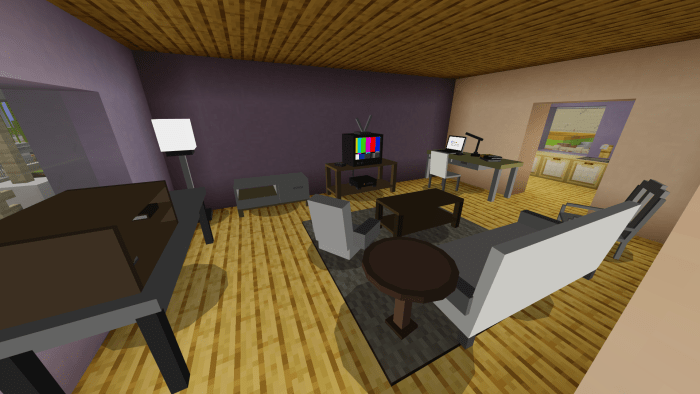
About Furniture Living Room
This addon adds a few furniture parts that you can use to enhance your living room experience!
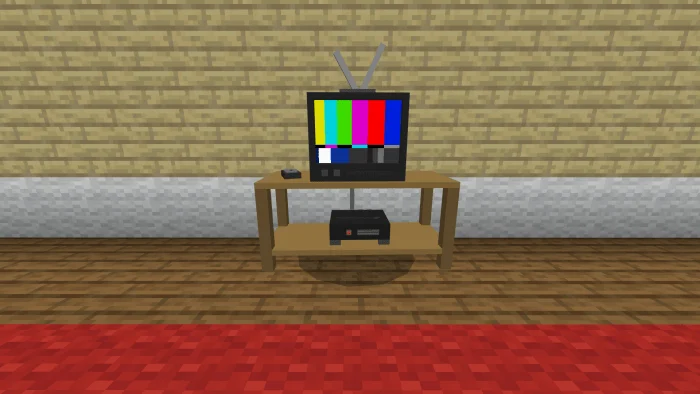
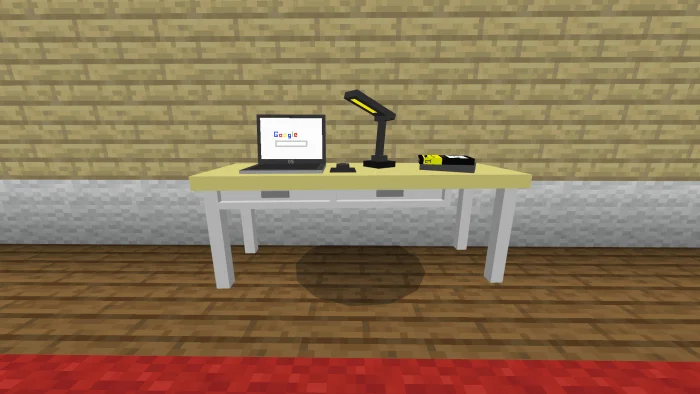
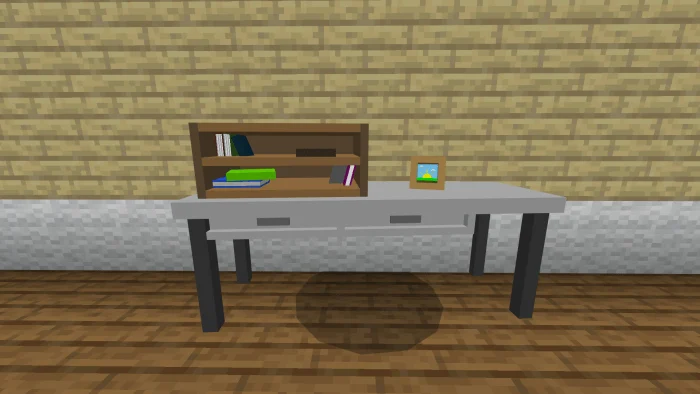
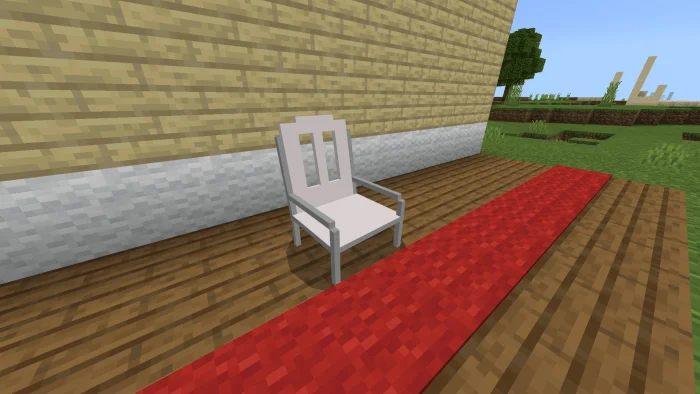
This addon adds 12 furniture pieces; Sofa Chair (Model 1) Chair (Model 2) Chair (Model 3) Coffee Table Cabinet Coffee Table Table 101 Table with books Table with laptop Table with TV Round table Lamp
How to obtain Just use the spawn eggs from the Creative Inventory. Using /summon commands is possible (example: “/summon uflr:sofa”) but its not really suitable, arrangement-wise.
Furniture Living Room screenshots
How to install Furniture Living Room
- Download the .mcaddon file using the button on this page.
- Open the downloaded file with Minecraft Bedrock Edition.
- Wait for Minecraft to confirm that the import has completed.
- Activate the imported pack in the world settings.
- Back up important worlds before installing community content.
Download Furniture Living Room (1.14) Decorations for free
Preparing your download…
If the download did not start automatically, click here.


