
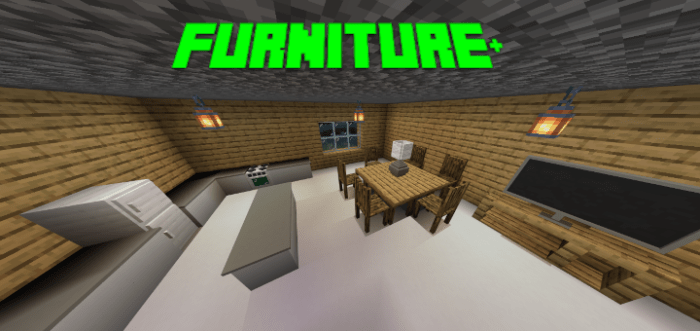
About Furniture+
Created by By Minicookie1811
- Turn on Experimental Gameplay for addon to work
Did you ever think that Minecraft does not have enough, or any furniture, but didn’t want to download other add-ons because the furniture is too complex or they are using mobs? Well, this is the addon for you! This addon adds simple furniture into Minecraft using custom 3D blocks!
How Does The Addon Work? This addon adds new blocks using the new feature to make Custom 3D blocks in the latest beta.
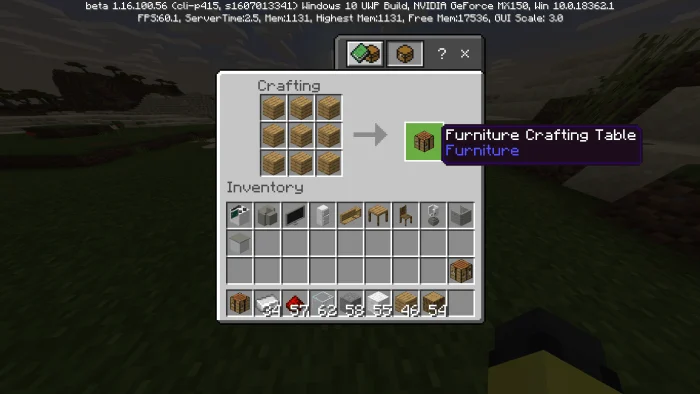
The furniture crafting table is a custom crafting table that lets you create the furniture in Furniture+. You need to use this to craft all the furniture in the addon. If you use a normal crafting table, it won’t work.
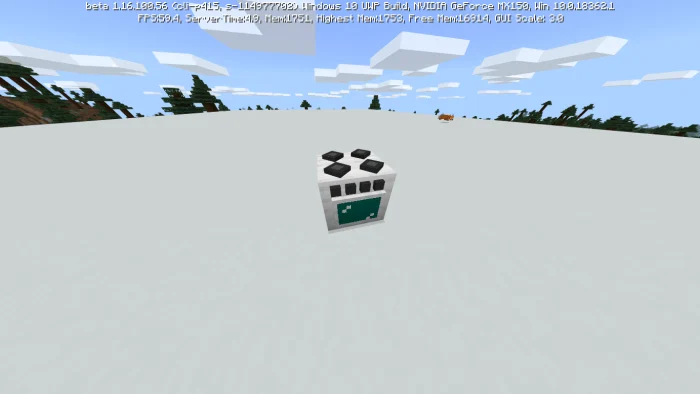
Oven Block The oven block is a block with no function yet except that if you click it, a crafting menu opens. It mostly serves as a decoration block for now.
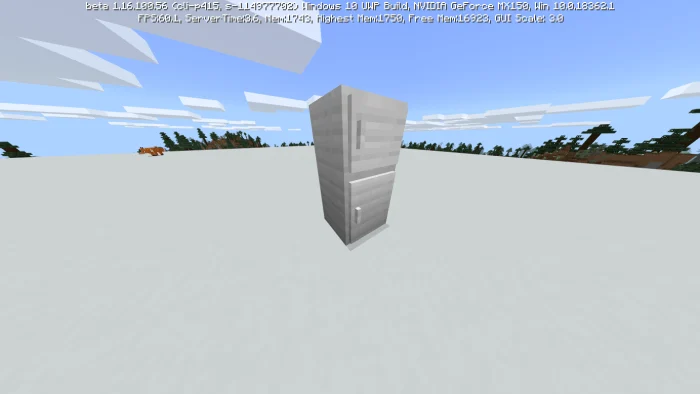
Fridge Table Diving Board Couch Chair Old TV Flat Screen TV
You can get the blocks using /give @a furniture
Furniture+ screenshots
How to install Furniture+
- Download the .mcaddon file using the button on this page.
- Open the downloaded file with Minecraft Bedrock Edition.
- Wait for Minecraft to confirm that the import has completed.
- Activate the imported pack in the world settings.
- Back up important worlds before installing community content.
Download Furniture+ (1.16) Decorations for free


