
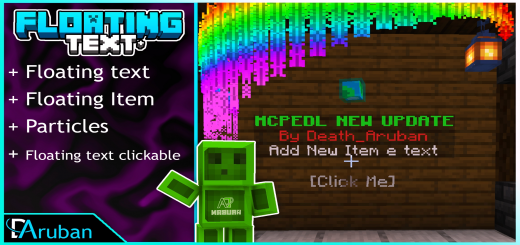
About Floating Text+
Floating Text + With the menu
Contains a menu that allows you to have a large floating text personalization. Add the following things:
+ Floating Text [with even his egg] + Particle [12 particles to improve floating text] + Floating Item [Add 4 floating items (Skin,Chestplate,Sword,Land) + Floating Text Clickable [Allow you to run the commands of your choice, just by clicking the floating text(8 Floating text Clickable Command)] + Ui Anvil [Added 4 new strings for Anvil,for multiple lines of text] + Menu [to facilitate the work of creating the floating text]
To activate the menu, do the following command / function menu. it will give you an atime that you need to right click to open the menu
How to install Floating Text+
- Download the .mcaddon file using the button on this page.
- Open the downloaded file with Minecraft Bedrock Edition.
- Wait for Minecraft to confirm that the import has completed.
- Activate the imported pack in the world settings.
- Back up important worlds before installing community content.
Download Floating Text+ (1.17) Tools for free
Preparing your download…
If the download did not start automatically, click here.


