
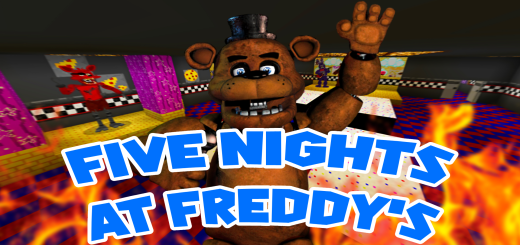
About Five Nights at Freddy's Modded Map
Created By Haystack13YT
The world starts with you on the street with the pizzeria and an options menu. The option include set day, set night, set thunderstorm, teleport to office, and teleport to models room. The pizzeria you can just walk into and explore if it's not night.
Animatronics If it's night then the animatronics will be out roaming around the place. If you go to the office you will see a clock on the desk, when it's 6am then the animatronics will return to there stage until it's night again. If one of the animatronics does not make it to the stage in time, then just set the time to night, then day again through the options menu outside the pizzeria.
Cameras In the chest in the office there are monitors that if you hold in your hand, will bring you to the cameras, you can scroll through them with the camera numbers in your hot bar or inventory. To leave the cameras just hover over the monitor in your hot bar again. There is also a flashlight in the office that you can take.
Power If the power goes out then you will not be able to use the doors but you can still use the cameras, if you want to control the lights in the whole pizzeria, there is a lever in the backroom that will turn them on and off. To use the doors and lights just press the buttons beside the doors, these will use power.
Five Nights at Freddy's Modded Map screenshots


How to install Five Nights at Freddy's Modded Map
- Download the .mcworld file using the button on this page.
- Open the downloaded file with Minecraft Bedrock Edition.
- Wait for Minecraft to confirm that the import has completed.
- Select the imported world from the Minecraft world list.
- Back up important worlds before installing community content.
Download Five Nights at Freddy’s Modded Map (1.19) Adventure for free


