
About FIFA Football (Soccer) Minigame
Created by Nogard
The map contains 2 stadium variants, so 2 matches can be played at the same time. Both stadiums have an opening roof along with other enhancements. The larger stadium has a fully functional automatic in-map scoreboard system. They are decorated with national flags of the qualified teams and special posters to promote the creators.
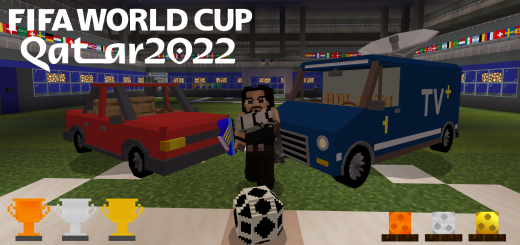
The addon includes 7 stylish types of balls to play with. You can easily shoot just by hitting the ball, if you want to shoot at longer distances, use Football Boots with Knockback 1 or 2. Boots can be found along with other equipment such as custom dresses, food, balls, vehicles in chests around the map.
There's a lot more that hasn't been talked about yet, imagine a time and weather machine, walls opening with redstone and command blocks, goal effects and sounds, team changing rooms, a bar, a museum, a maze, a tv studio, a doctor and staff rooms, even a bowling alley
FIFA Football (Soccer) Minigame screenshots


How to install FIFA Football (Soccer) Minigame
- Download the .mcworld file using the button on this page.
- Open the downloaded file with Minecraft Bedrock Edition.
- Wait for Minecraft to confirm that the import has completed.
- Select the imported world from the Minecraft world list.
- Back up important worlds before installing community content.
Download FIFA Football (Soccer) Minigame (1.18, 1.19) for free


