
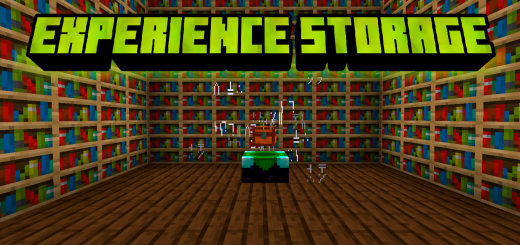
About Experience Storage
Created By HaroldMC Turn on experimental options in map settings!
Now it will be easier to store your experience levels without worrying about losing them when you die now you will have new tools to save your levels more easily
To start you need to create the experience book. Once the experience book is obtained, you need an experience level greater than 5, otherwise it will not let you store your levels, you just have to interact with the book either by holding down the screen your phone or by pressing the right mouse button on a computer.
The book can only reach a maximum of 30 levels stored apart from there you can no longer store more levels.
Once your book has levels saved, we need to move them into experience storage. Now with the book interact with the storage of experience in phones a button will appear and in computer just right click with the mouse directly to the chest.
Experience Storage screenshots


How to install Experience Storage
- Download the .mcaddon file using the button on this page.
- Open the downloaded file with Minecraft Bedrock Edition.
- Wait for Minecraft to confirm that the import has completed.
- Activate the imported pack in the world settings.
- Back up important worlds before installing community content.
Download Experience Storage (1.19) Tools for free


