
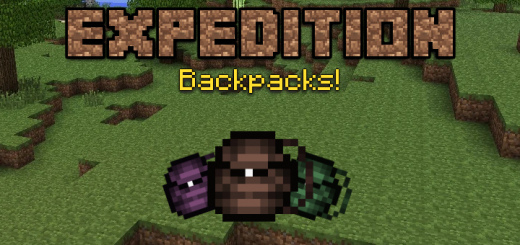
About Expedition Backpacks
Once you have your backpack in your inventory, hold the item until some arrows come out. Once you have the backpack with those arrows, you just have to press the items you want to save. Once you have saved everything you had to save, just press the item in the backpack again and it will be saved. If you want to take out the items, just hold the item again until the arrows appear, and then press in another space of your inventory. To remove all items at once, just equip the backpack in your hand and hold down on any space where there is no interaction and it will release all items.
Expedition Backpacks screenshots


How to install Expedition Backpacks
- Download the .mcaddon file using the button on this page.
- Open the downloaded file with Minecraft Bedrock Edition.
- Wait for Minecraft to confirm that the import has completed.
- Activate the imported pack in the world settings.
- Back up important worlds before installing community content.
Download Expedition Backpacks (1.18) Tools for free
Preparing your download…
If the download did not start automatically, click here.


