
About EverySoundInMCPE (1.1.0.9 Only)
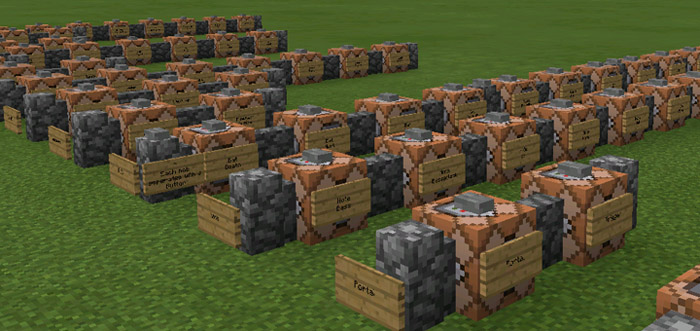
This map supposedly includes all the different sounds which are included in the original version of the game (meaning, no external resource packs are required). You can play each sound by pressing a button on a command block and there are signs with information about each sound. It’s especially useful for map makers who want to add sounds to their own maps.
Creator: krivas
How does it work? As soon as you’ve spawned you will find tons of command blocks. There is are a button on each block which when pressed will play the sound. You can check the command required for playing the sound by pressing the command block.
Important: This map is limited to 1.1.0.9 beta users only.
How to install EverySoundInMCPE (1.1.0.9 Only)
- Download the .zip file using the button on this page.
- Open the downloaded file with Minecraft Bedrock Edition.
- Wait for Minecraft to confirm that the import has completed.
- Select the imported world from the Minecraft world list.
- Back up important worlds before installing community content.
Download EverySoundInMCPE (1.1.0.9 Only) Creation for free


