
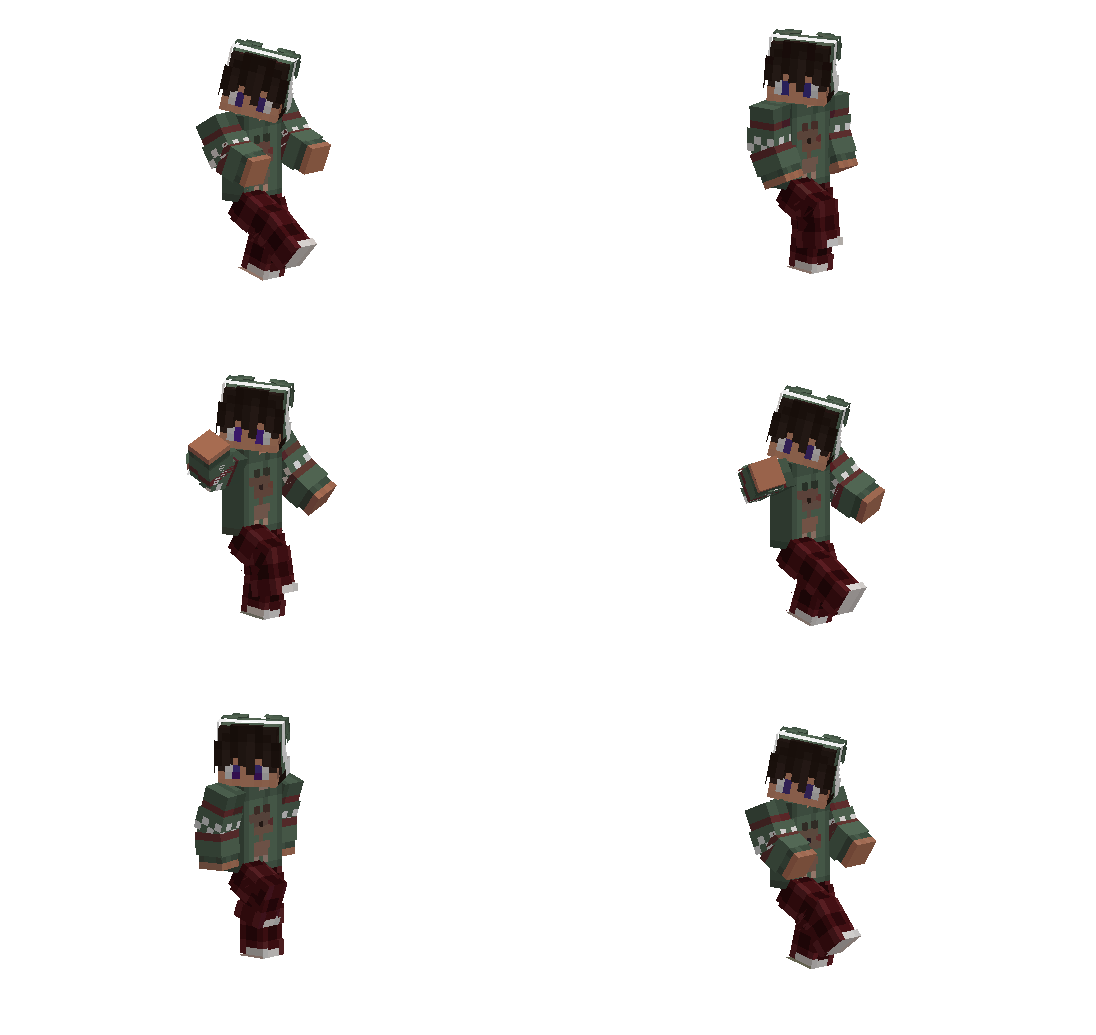
About Emotes 2
Since in Minecraft we also communicate a lot with other players, a greater variety of emotions is needed. To do this, you can use the Emotes 2, which adds more options for emotions. There will be 25 new species in total.
Turning on emotions
c/emotes You will receive an item to include
Emote Menu
After using the item, a menu for choosing emotions will appear
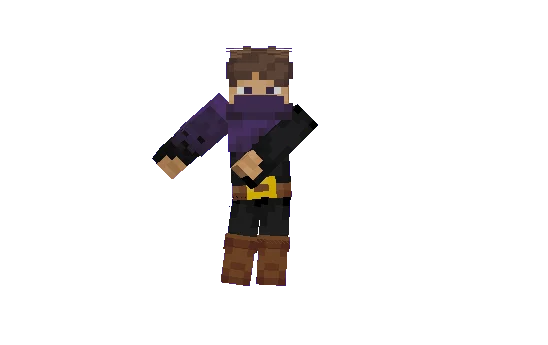
Emotes 2 screenshots
How to install Emotes 2
- Download the .mcaddon file using the button on this page.
- Open the downloaded file with Minecraft Bedrock Edition.
- Wait for Minecraft to confirm that the import has completed.
- Activate the imported pack in the world settings.
- Back up important worlds before installing community content.
Download Emotes 2 (1.19) Decorations for free
Preparing your download…
If the download did not start automatically, click here.


