
About Emerald UI
Created By Venousalex123
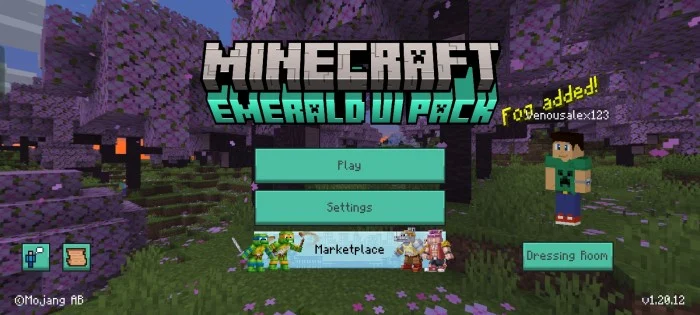
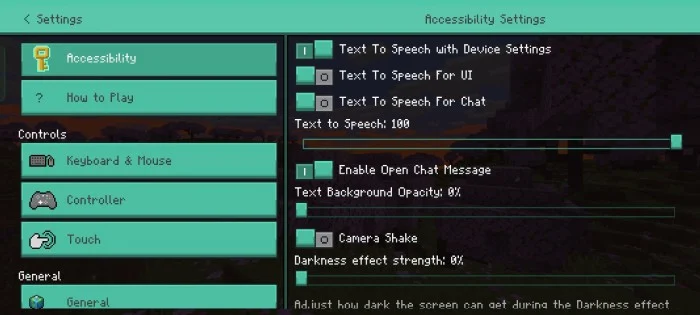
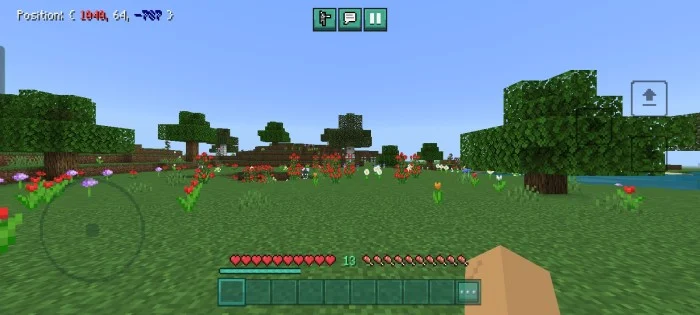
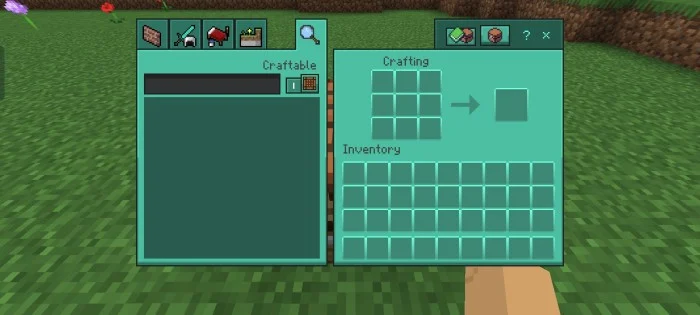
This pack brings a more vivid and friendly color to your interface, going from a gray color to a greener color similar to emerald.
[warning: if you activate the pack and some textures do not receive the change, please restart the game]
Emerald UI screenshots
How to install Emerald UI
- Download the .mcpack file using the button on this page.
- Open the downloaded file with Minecraft Bedrock Edition.
- Wait for Minecraft to confirm that the import has completed.
- Activate the imported pack in the world settings.
- Back up important worlds before installing community content.
Download Emerald UI (1.17, 1.18, 1.19, 1.20) Textures for free
Preparing your download…
If the download did not start automatically, click here.


