

About Elytra Pro
Ever wanted to use Elytra without having to jump off from a high place or use an elytra launcher? Now it’s possible with this new addon! NEW: You can now change the appearance of your elytra in addon settings
HOW TO USE
– Equip your Elytra – Look up then jump – When on air, look down then use the elytra as you normally do. – Look up when you want to gain height, doing so will make your wings flap.
Elytra Pro screenshots
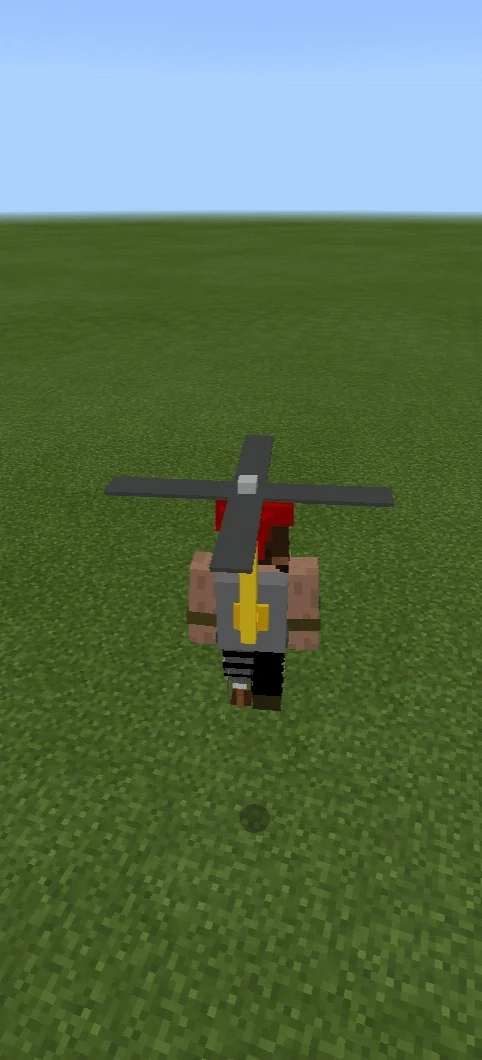
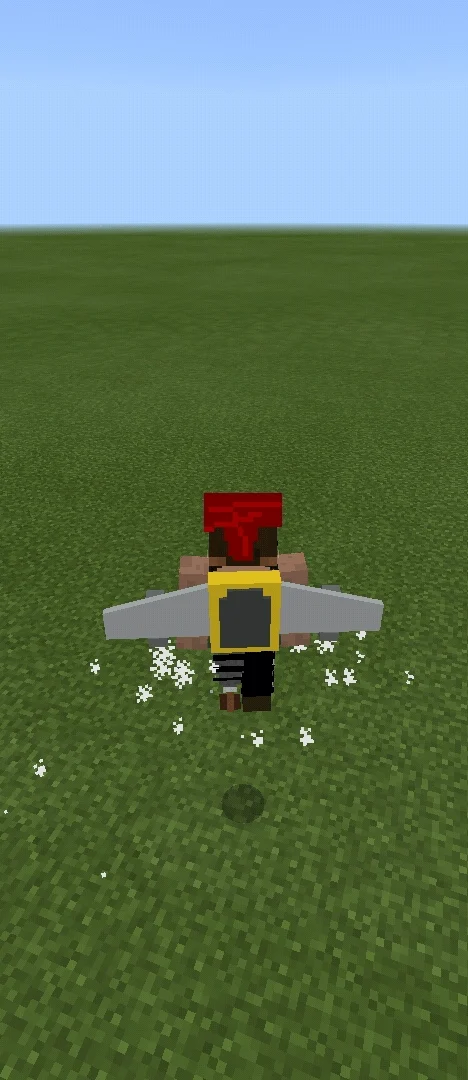
How to install Elytra Pro
- Download the .mcaddon file using the button on this page.
- Open the downloaded file with Minecraft Bedrock Edition.
- Wait for Minecraft to confirm that the import has completed.
- Activate the imported pack in the world settings.
- Back up important worlds before installing community content.
Download Elytra Pro (1.16, 1.17) Tools for free
Preparing your download…
If the download did not start automatically, click here.


