
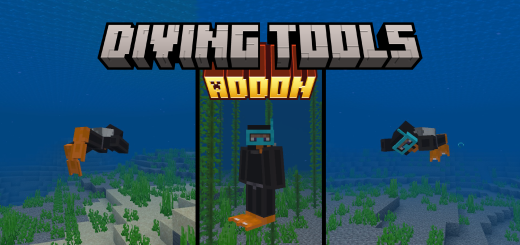
About Diving Tools
Created By TheLake ⚠️Turn on experiments in map settings!
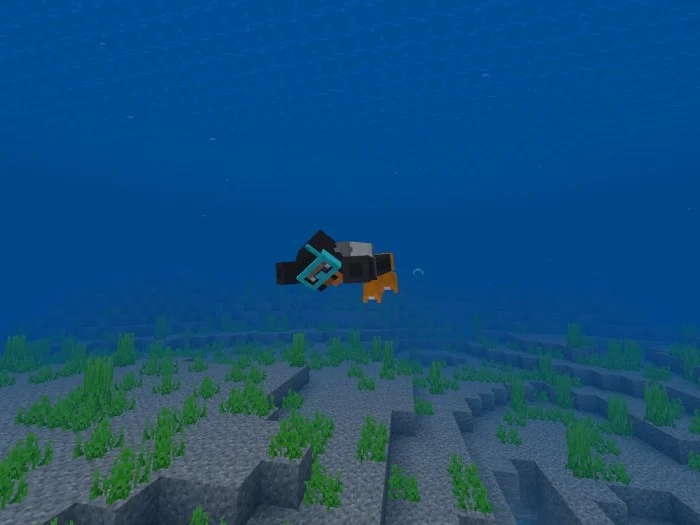
Get ready to dive into the mysteries of the underwater world with Diving Tools, here to add a splash of excitement to your underwater expeditions! This amazing addon introduces the Diving Mask, Scuba Tank, Diving Suit Leggings, Flippers, and the Orange Stick, taking you from an ordinary gameplay to a breathtaking adventure beneath the waves.
Addon added 4 pieces of armour that can be placed in the armour slots. These are;
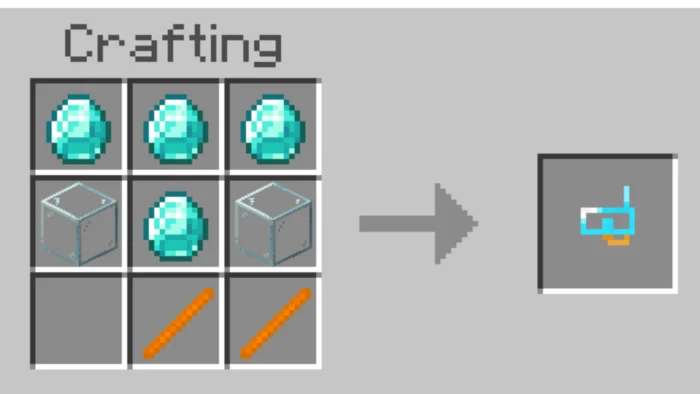
- Diving Mask
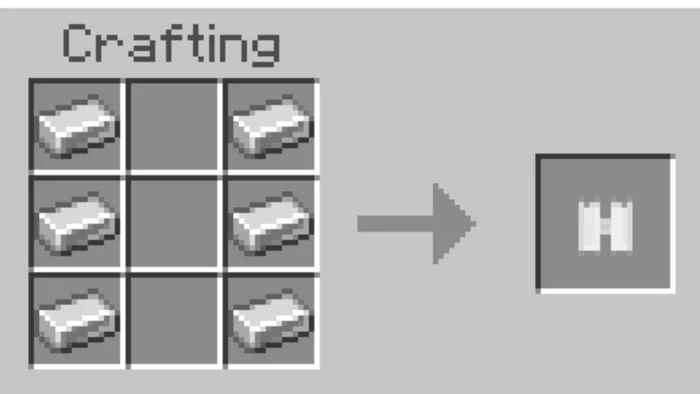
- Scuba Tank
- Diving Suit Leggings
- Flippers
1. Diving Mask
With the Diving Mask, you'll be able to explore vibrant coral reefs, mysterious sea creatures, and the mesmerizing dance of light underwater.
Durability: 350 Protection Amount: 1.5 Recipe: 4 Diamond, 2 Glass, 2 Orange Stick
2. Scuba Tank
The Scuba Tank provides the perfect solution for extended underwater adventures. Dive deep into the waters and breathe freely.
Durability: 500 Protection Amount: 2.5 Recipe: 6 Iron Ingot
3. Diving Suit Leggings
Slip into the Diving Suit Leggings and defy the cold underwater.
Durability: 450 Protection Amount:3 Recipe: 7 Black Dye, 1 Leather Leggings
4. Flippers
Feel the surge of speed as you move like a fish, swift and agile. No one will be able to catch you beneath the waves!
Durability: 400 Protection Amount: 1.5 Recipe: 4 Orange Stick
Effect
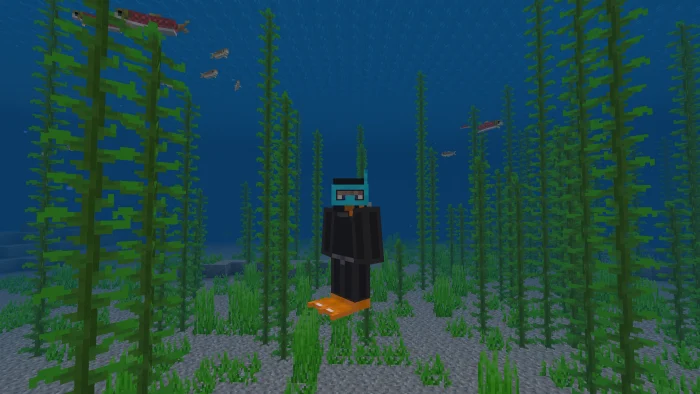
When you wear the armour fully, you gain the effect of Conduit Power. This allows you to breathe in the water.
Function command
If you enter the chat and type the command (/ function) you can automatically put on the armour. There will be 5 pieces of text in front of you, for example "thelake_diving_mask" when you type this, it will be automatically placed on your head.
5. Orange Stick
Certainly not magical, but extremely valuable! The Orange Stick plays a crucial role in crafting the other four items. Create your gear and set sail for the heart of the sea!
Recipe: 1 Orange Dye, 1 Stick
Diving Tools screenshots
How to install Diving Tools
- Download the .mcaddon file using the button on this page.
- Open the downloaded file with Minecraft Bedrock Edition.
- Wait for Minecraft to confirm that the import has completed.
- Activate the imported pack in the world settings.
- Back up important worlds before installing community content.
Download Diving Tools (1.18, 1.19, 1.20) for free


