
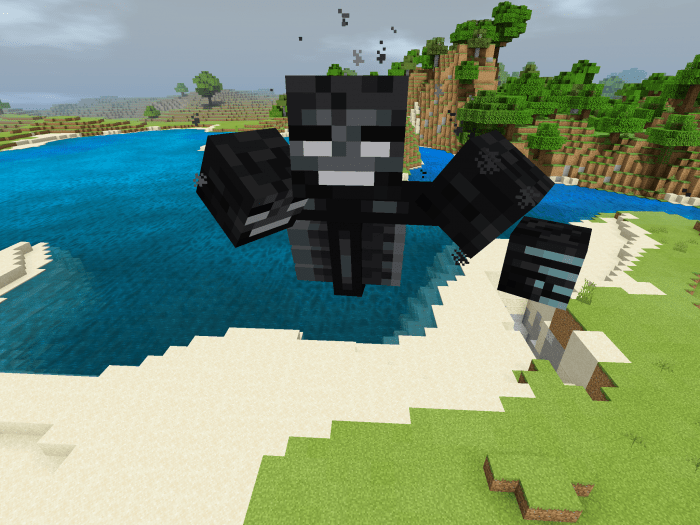
About Disguise Function
Be everything you want, it just takes a simple command. Troll your friends, hide as a mob and more. With this disguise plugin/addon, you can be any normal Minecraft creature, all it takes is a simple command.
Setup Once installed (Guide at the Bottom) into your World, type the Command “/function dg/setup” or “/function disguise/setup” in Chat. You will get a Repeating Command Block, place it down and type the Command “/function disguise” in the Repeating Command Block, then, set it to Always Active. If you get a Message in Chat, everything works. Once Setup, to Disguise, type “/function dg/(Mob you wanna be)” in Chat and everything should work.
To undisguise, type /function dg/off or /function disguise/off
How to install Disguise Function
- Download the .mcpack file using the button on this page.
- Open the downloaded file with Minecraft Bedrock Edition.
- Wait for Minecraft to confirm that the import has completed.
- Activate the imported pack in the world settings.
- Back up important worlds before installing community content.
Download Disguise Function (1.16) Gameplay for free


