
About DesertPLUS
- turn on experimental mode
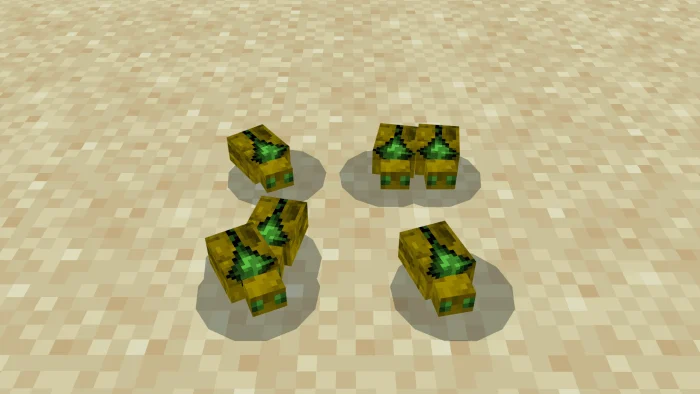
The Deserts in Minecraft have always needed a major update, the DesertPLUS addon changes all that by adding new structures, mobs, items, and blocks to make the deserts feel more alive.
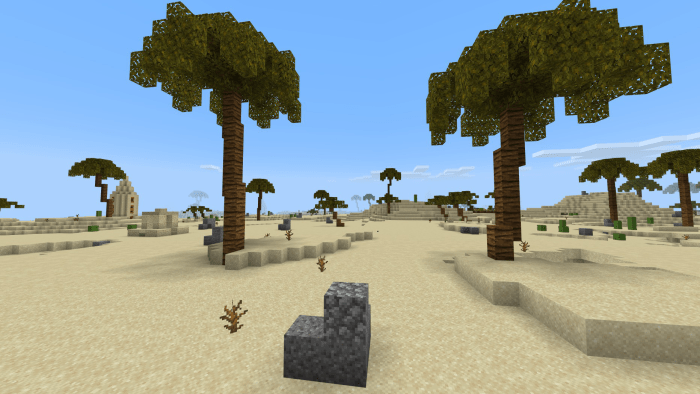
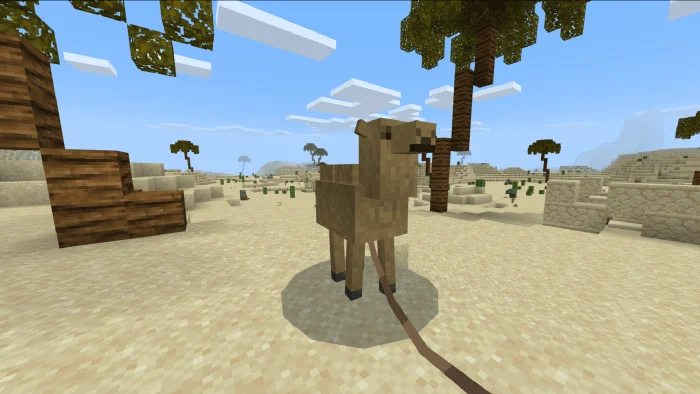
Desert Landscape The desert landscape can be a boring place but now has some things to spice it up a bit. Now as you explore you can find rocks and palm trees around the terrain.
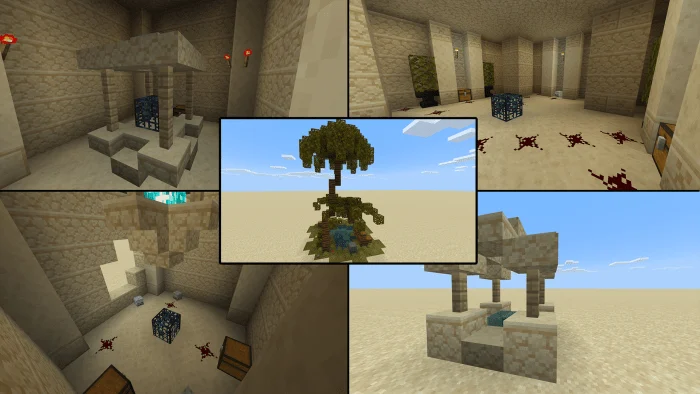
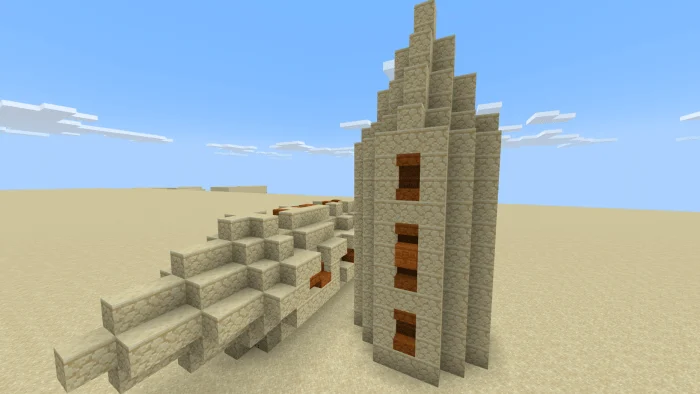
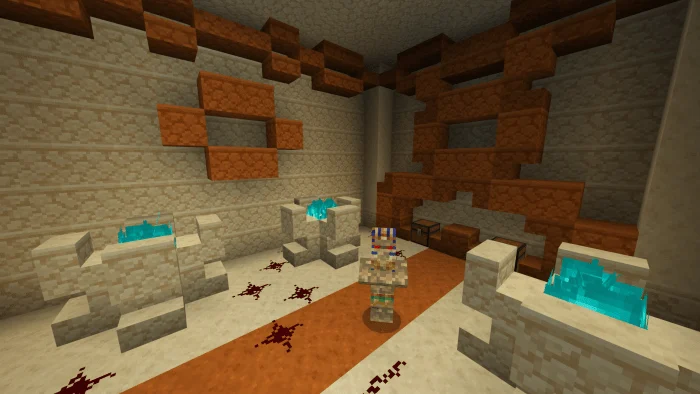
Desert Structures There are several new structures you can now find scattered around the deserts and dungeons underground!
Dungeons There are 5 NEW desert dungeons to take on as you explore the new desert landscape with treasures to loot!
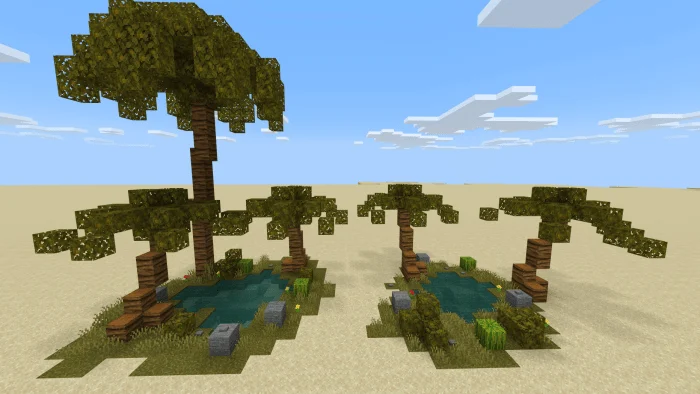
Oasis A safe haven for travelers but the bigger ones contain something under it!
Pharaoh’s Tomb The Pharaoh awaits (found underground)
DesertPLUS screenshots
How to install DesertPLUS
- Download the .mcaddon file using the button on this page.
- Open the downloaded file with Minecraft Bedrock Edition.
- Wait for Minecraft to confirm that the import has completed.
- Activate the imported pack in the world settings.
- Back up important worlds before installing community content.
Download DesertPLUS (1.16) Mobs for free


