
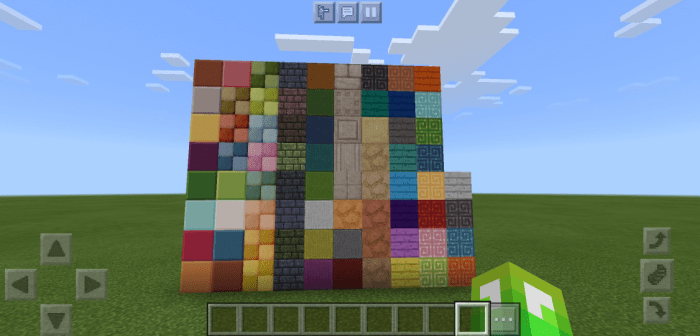
About DBlocks Add-on
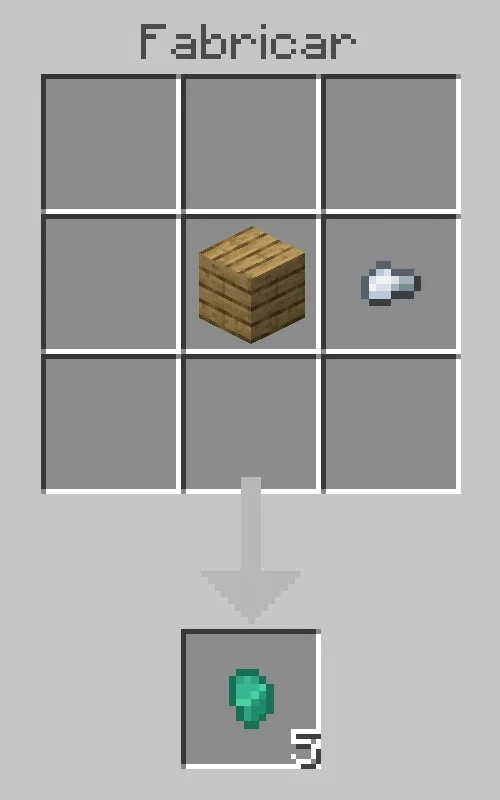
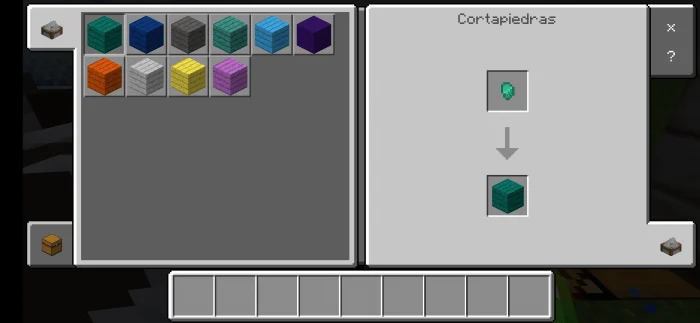
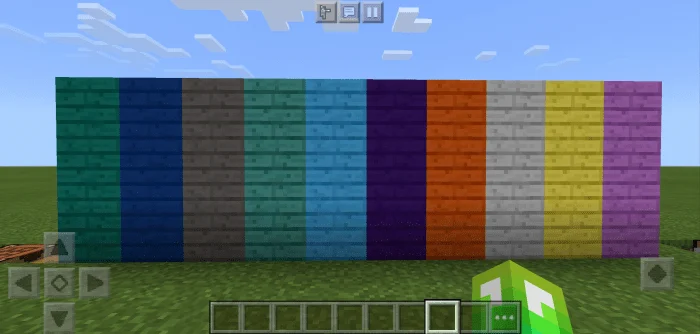
This add-on adds 75 new blocks to Minecraft Bedrock Edition, these blocks are intended to decorate, with this you can make much more detailed and better made constructions, giving you a greater choice of blocks. These blocks are classified into categories. To obtain these blocks, you need the drop belonging to the block category, that is, if I want one from the quartz category, I must obtain the drop for quartz blocks.
✔️Blocks made of stone ✔️Blocks made of quartz ✔️Decorative Blocks ✔️Color planks ✔️Blocks made of brick ✔️Blocks made of wool
DBlocks Add-on screenshots
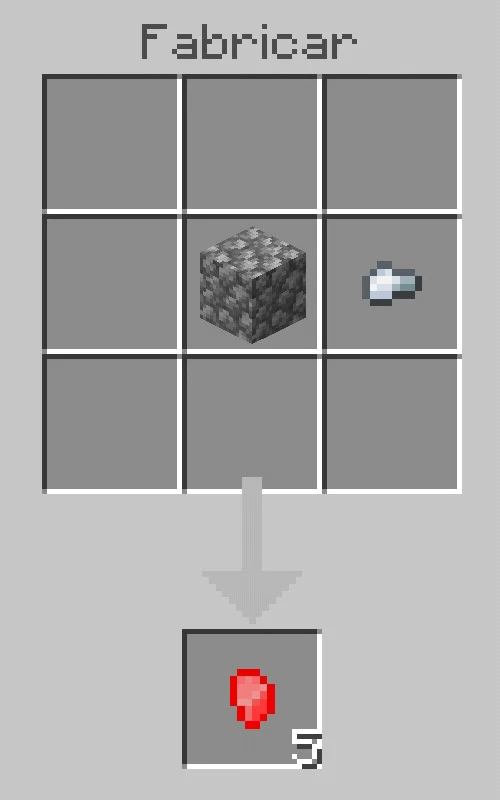
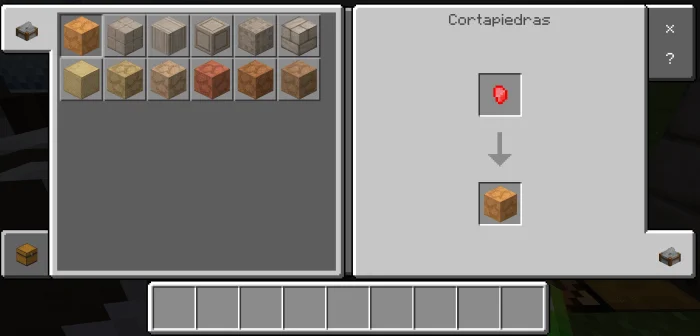
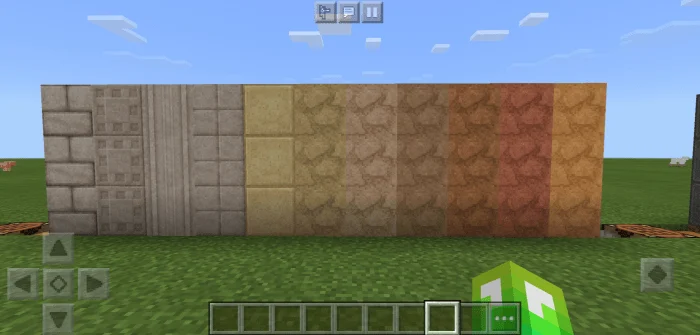
How to install DBlocks Add-on
- Download the .mcaddon file using the button on this page.
- Open the downloaded file with Minecraft Bedrock Edition.
- Wait for Minecraft to confirm that the import has completed.
- Activate the imported pack in the world settings.
- Back up important worlds before installing community content.
Download DBlocks Add-on (1.16) Blocks for free
Preparing your download…
If the download did not start automatically, click here.


