
About Croptopia
Created By Argus Studios
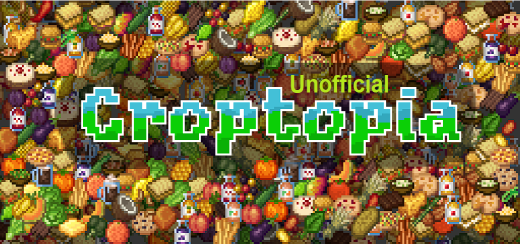
We present a new addon for your Minecraft Bedrock!, adds new variants of food, such as orange, banana, mango, coconut, tomato, grape, pear, apple and others. These will be generated in the world.
In the picture you can see the plant corn, tomato, currant, vanilla, raspberry, broccoli, coffee, celery and others. Note: they should be placed in mud or farmland
Note: To obtain the fruits you must use the shears.
Croptopia screenshots


How to install Croptopia
- Download the .mcaddon file using the button on this page.
- Open the downloaded file with Minecraft Bedrock Edition.
- Wait for Minecraft to confirm that the import has completed.
- Activate the imported pack in the world settings.
- Back up important worlds before installing community content.
Download Croptopia (1.19) Food for free
Preparing your download…
If the download did not start automatically, click here.


