
About Colorful Blocks
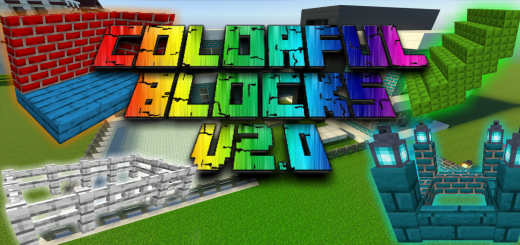
Created By EndXenoc MCPE Addon adds many blocks with the 16 colors of the game, the blocks can be obtained in creative and survival mode.
This addon adds a new table. To get this block in survival you need dyes and wood. Now in this table you can create the colored blocks and also slabs and stairs.
Colorful Blocks screenshots


How to install Colorful Blocks
- Download the .mcaddon file using the button on this page.
- Open the downloaded file with Minecraft Bedrock Edition.
- Wait for Minecraft to confirm that the import has completed.
- Activate the imported pack in the world settings.
- Back up important worlds before installing community content.
Download Colorful Blocks (1.17, 1.18) Decorations for free
Preparing your download…
If the download did not start automatically, click here.


