
About Chunk Visualizer
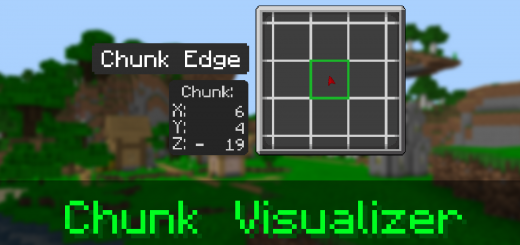
Have you ever had a hard time finding chunks? Maybe you wanted to know if your build is on a chunk border. Ever wanted to know What chunmk your in? This pack can help you with all of those! Displaying a Chunk Map, Chunk Indicator, and Chunk Coordinates.
Chunk Map
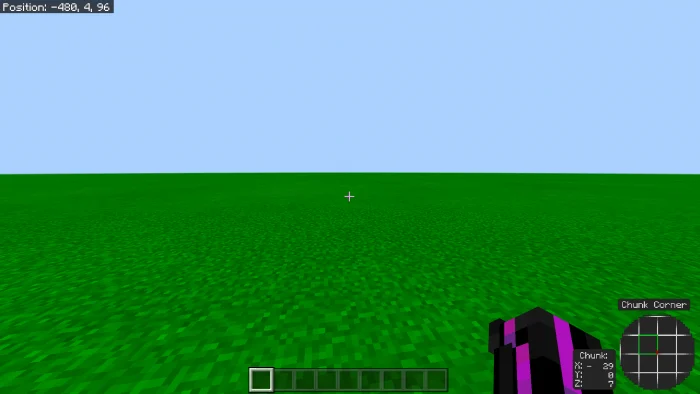
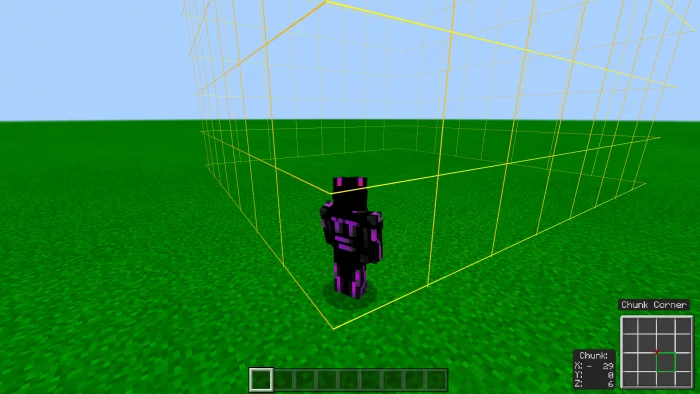
The Chunk map is a Map that will render in the hud similar to a minimap but instead of terrain or players it renders chunks, and displays a red marker indicating the player
Chunk Indicator
Shows chunk edges and chunk corners when your on a chunk corner or edge, this is a little indicator incase you cant find the chunk edge or corner on the Chunk Map
Chunk Coords
Displays your coordinates in chunks, 16 in the x plane equals 1 in the x plane for Chunk Coords:
Chunk Visualizer screenshots
How to install Chunk Visualizer
- Download the .mcpack file using the button on this page.
- Open the downloaded file with Minecraft Bedrock Edition.
- Wait for Minecraft to confirm that the import has completed.
- Activate the imported pack in the world settings.
- Back up important worlds before installing community content.
Download Chunk Visualizer (1.17) Textures for free


