
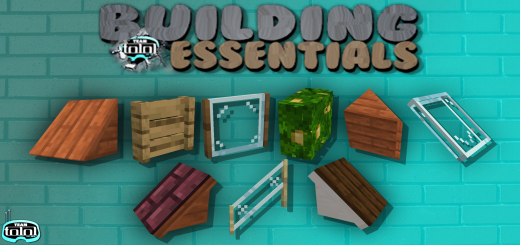
About Building Essentials
- You need to Enable / Activate Experiments Options in Map & Game Settings
This addon will give you lots of new blocks to your Minecraft. With lots of variant Blocks & Fences, this addon useful to improve your build design in creative mode. The blocks will be available in creative mode only.
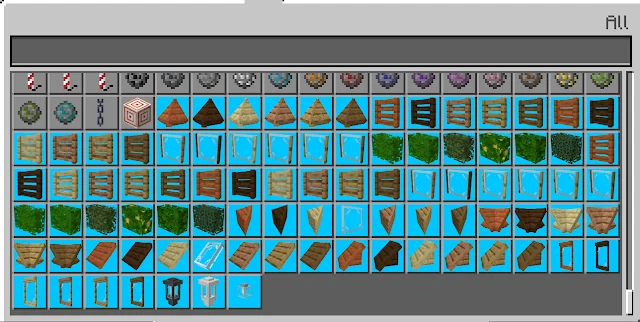
These blocks were created using a different method and as a result they won't display in your creative inventory.
Use the following item (blue background in the picture) and then the blocks will appear in your inventory. Tap + Hold while you hold the item (just like eating an apple)
CUSTOM BLOCKS
The command for this block: /give @s be:slide_roof_block_acacia /give @s be:slide_roof_acacia /give @s be:slide_roof_glass /give @s be:end_slide_roof_acacia /give @s be:mid_slide_roof_acacia /give @s be:slide_window_acacia /give @s be:fence_var1_acacia /give @s be:fence_var2_acacia /give @s be:fence_var3_acacia /give @s be:half_block_acacia /give @s be:half_block_glass /give @s be:fence_var4_acacia /give @s be:slide_roof_block_q_acacia /give @s be:slide_roof_block_n_acacia /give @s be:slide_roof_block_b_acacia /give @s be:stairs_fence_var3_acacia
Building Essentials screenshots
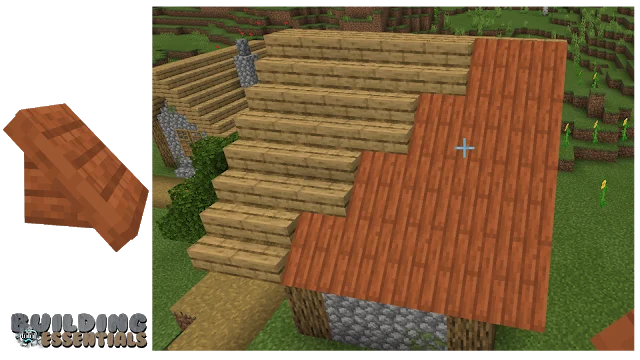
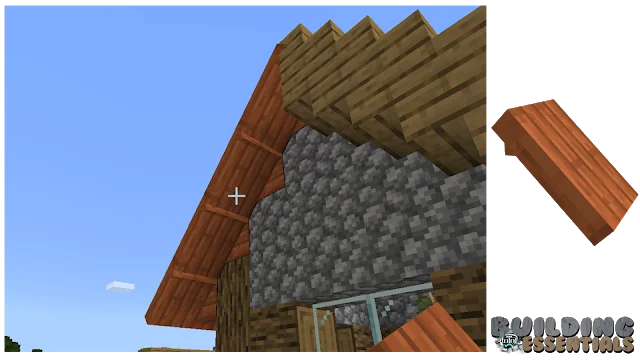
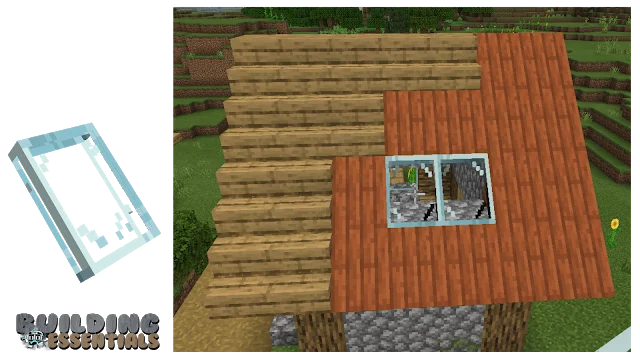
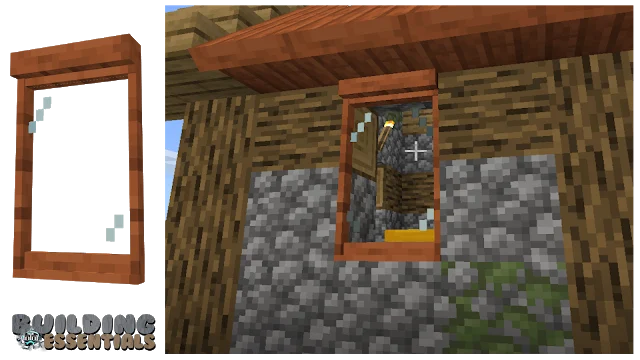
How to install Building Essentials
- Download the .mcaddon file using the button on this page.
- Open the downloaded file with Minecraft Bedrock Edition.
- Wait for Minecraft to confirm that the import has completed.
- Activate the imported pack in the world settings.
- Back up important worlds before installing community content.
Download Building Essentials (1.16) Decorations for free


