
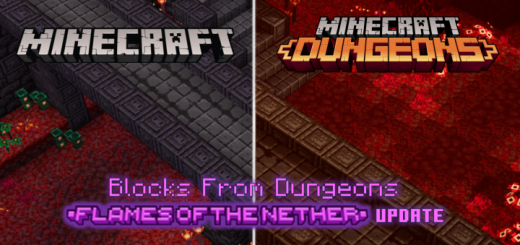
About Blocks from Minecraft Dungeons
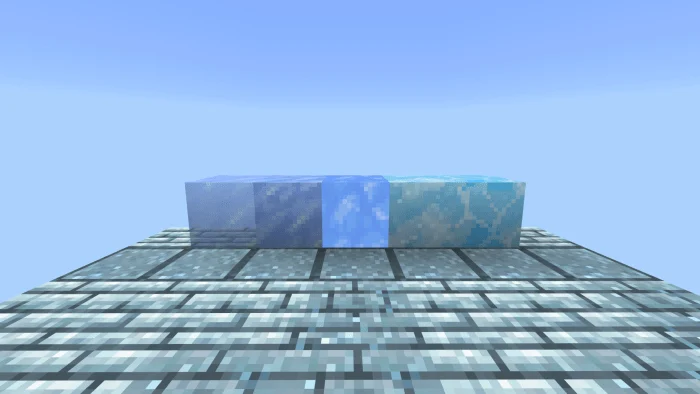
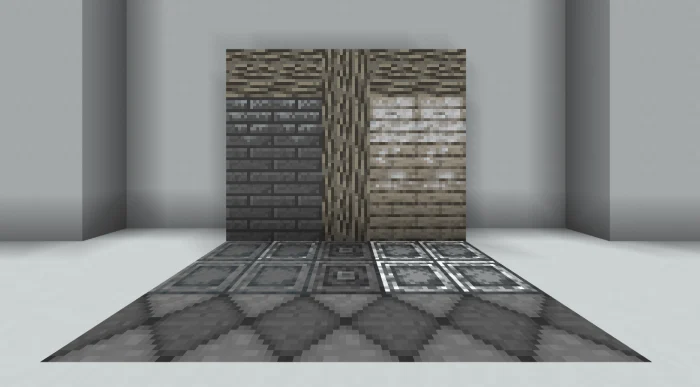
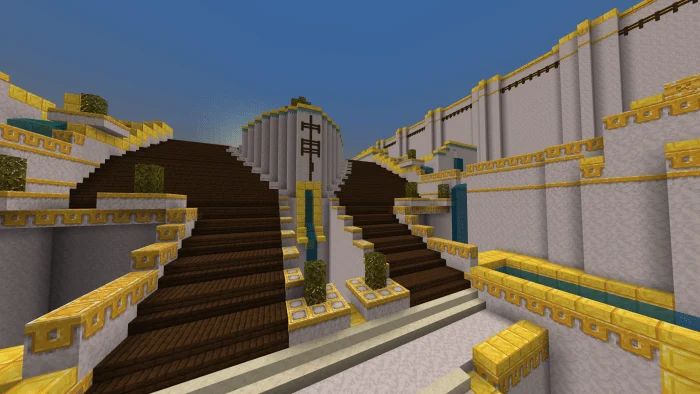
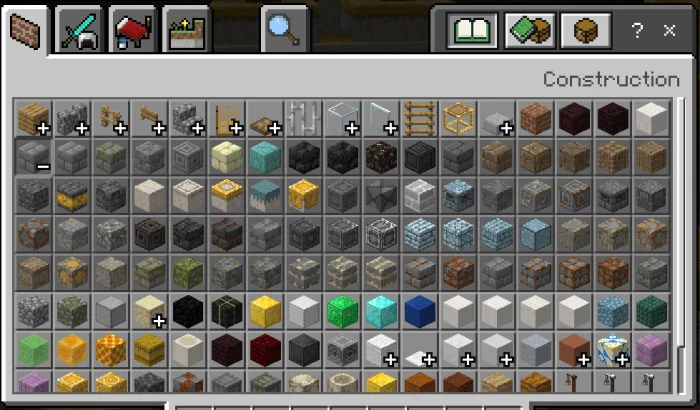
This addon adds blocks from Minecraft Dungeons into normal Minecraft. There are over 150 blocks to help you complete your build. It’s now easier than ever to recreate the Camp, the Nether Portal, and other builds that caught your eye while going through a level!
In 1.16, there is a bug where custom blocks from addons do not show up in the creative inventory. Therefore, I have added items that you can use to place the new blocks. They can be found in the inventory. There is 1 item for every block added. Because they are items, they appear 2D in your hand. There is nothing I can do about that! These items are temporary additions.
Blocks from Minecraft Dungeons screenshots
How to install Blocks from Minecraft Dungeons
- Download the .mcaddon file using the button on this page.
- Open the downloaded file with Minecraft Bedrock Edition.
- Wait for Minecraft to confirm that the import has completed.
- Activate the imported pack in the world settings.
- Back up important worlds before installing community content.
Download Blocks from Minecraft Dungeons (1.16) Decorations for free
Preparing your download…
If the download did not start automatically, click here.


