
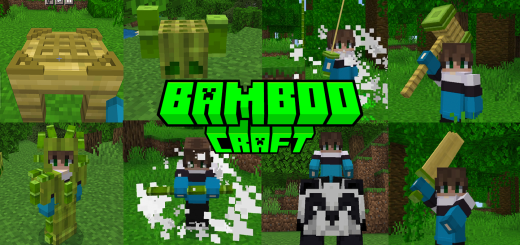
About BambooCraft
Created by Denwih ⚠️Turn on experiments in map settings!
This new add-on adds much more utility and importance to bamboo, since we can create new objects, such as armor that summons a sentry that will protect you from your enemies, and even weapons such as hammers for combat, katanas and swords with abilities when you right-click on them, among other things.
To create the new items that this add-on adds we will need to have a bamboo crafting table, its crafting is simple and easy to do, as long as you have bamboo at hand.
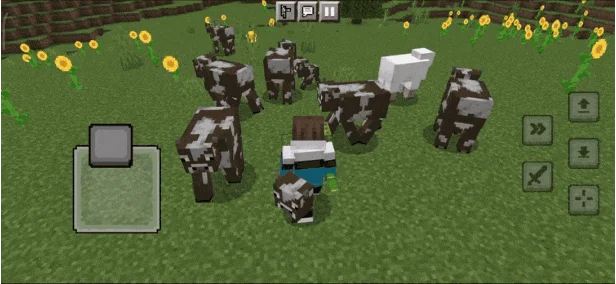
BambooCraft screenshots


How to install BambooCraft
- Download the .mcaddon file using the button on this page.
- Open the downloaded file with Minecraft Bedrock Edition.
- Wait for Minecraft to confirm that the import has completed.
- Activate the imported pack in the world settings.
- Back up important worlds before installing community content.
Download BambooCraft (1.19, 1.20) Swords for free
Preparing your download…
If the download did not start automatically, click here.


