
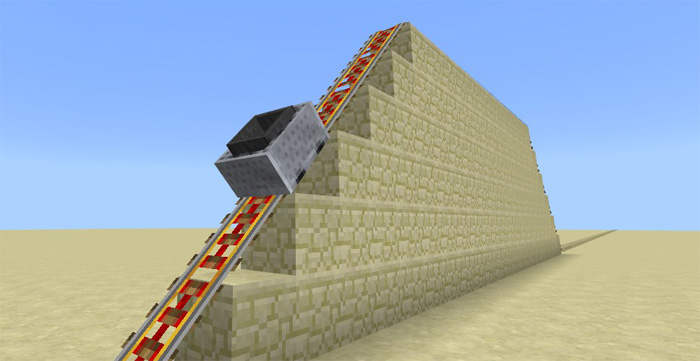
About Attraction Minecart
The Attraction Minecart Addon is really useful if you enjoy building roller coasters using the rail tracks and minecarts in-game. The add-on changes the speed for each minecart and for one of them you will even be able to change its speed modes in-game. It’s a really cool add-on in that sense that you’ll be able to make a bit more complex and unique rail track builds.
Creator: Vernian LEMO – TDR build
How does it work? This add-on changes the behaviors for four of the minecarts in-game. You’ll now be able to sit on all of the different minecarts and each minecart has different speed modes.
Normal Minecraft – Hold a minecart (item) in your hand and use it on the minecart to switch speed mode (x1 or x1000) TNT Minecart – Fast Hopper Minecart – Slow Chest Minecart – Suspended
How to install Attraction Minecart
- Download the .mcpack file using the button on this page.
- Open the downloaded file with Minecraft Bedrock Edition.
- Wait for Minecraft to confirm that the import has completed.
- Activate the imported pack in the world settings.
- Back up important worlds before installing community content.
Download Attraction Minecart Transport for free


