
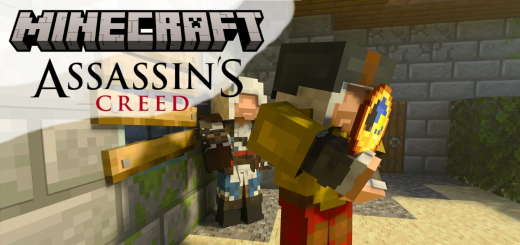
About Assassin's Creed Mod
Created By TheVeis ⚠️Turn on experiments in map settings!
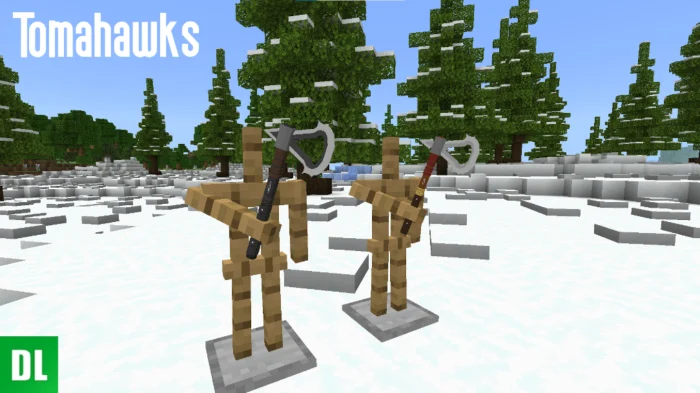
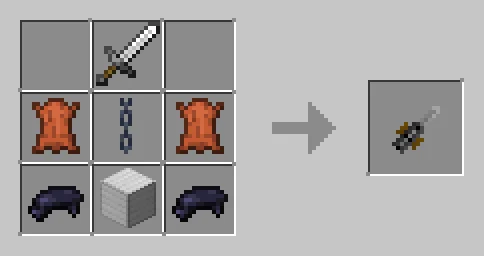
This is a modification of items and equipment from the famous Assassin's Creed game. There are only 4 types of hidden blades in the modification, there are both for the Steve model and for the Alex model. These items are fully functional and have opening and closing sounds.
Assassin's Creed Mod screenshots

How to install Assassin's Creed Mod
- Download the .mcaddon file using the button on this page.
- Open the downloaded file with Minecraft Bedrock Edition.
- Wait for Minecraft to confirm that the import has completed.
- Activate the imported pack in the world settings.
- Back up important worlds before installing community content.
Download Assassin’s Creed Mod (1.19, 1.20) Player for free
Preparing your download…
If the download did not start automatically, click here.


