
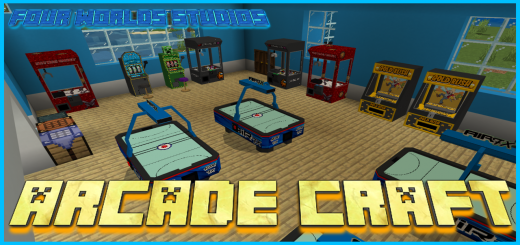
About Arcade Craft
Created By Four Worlds Studios
- Experimental Features will need to be enabled for you to play
This add-on will give you the chance to build your very own Arcade without changing any on the gameplay or features in minecraft itself.
Getting started is easy, just play Minecraft as you normally would and when you have enough resources you can go and find the Retired Arcade Engineer in a Village (The Nitwit)
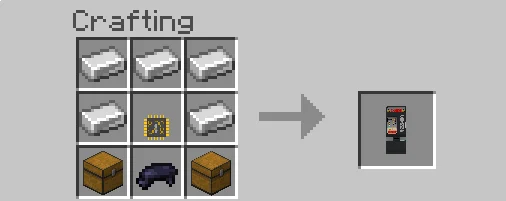
He will trade you all the Microchips you will need to craft your Arcade Machines
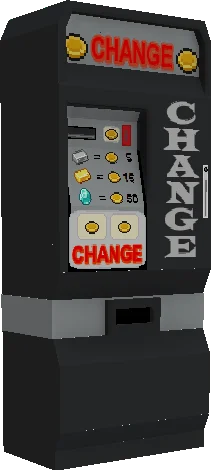
Change & Exchange Machines
The Change Machine will convert all your Iron, Gold and Diamonds into Arcade Coins for you.
When you want to cash out you can convert all your winnings back into Iron, Gold or Diamonds with the Exchange Machine
The Machines
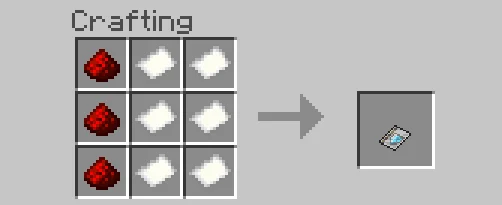
All the Machines will need an Activation Key so you can take ownership of them.
When you own a Machine you can check the Coin Box to see how much you machine has earned you.
Only the Owner can see inside the Coin Box
Arcade Craft screenshots
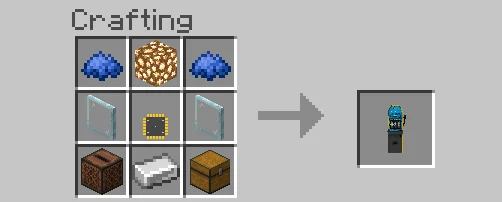
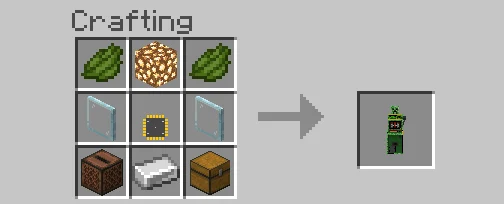
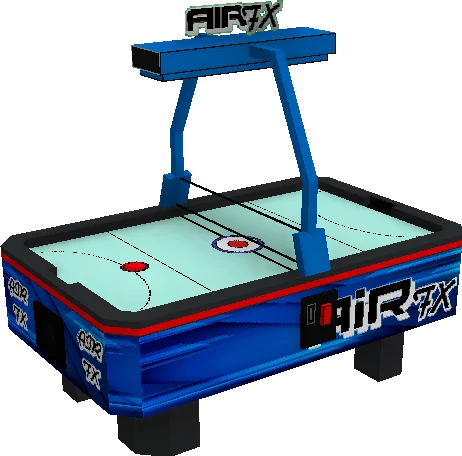
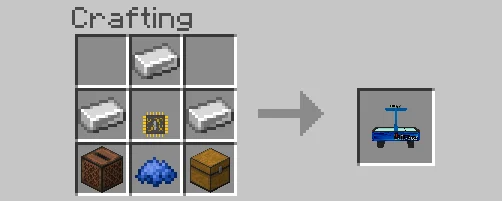
How to install Arcade Craft
- Download the .mcaddon file using the button on this page.
- Open the downloaded file with Minecraft Bedrock Edition.
- Wait for Minecraft to confirm that the import has completed.
- Activate the imported pack in the world settings.
- Back up important worlds before installing community content.
Download Arcade Craft (1.18) Decorations for free


