About Sunrise Shader
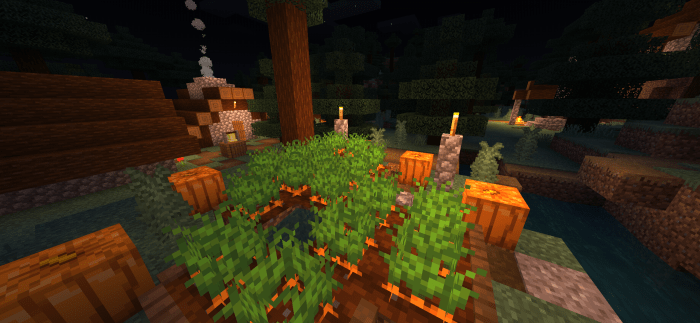
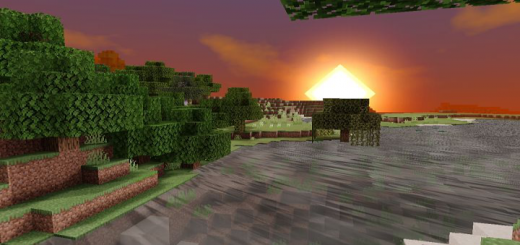
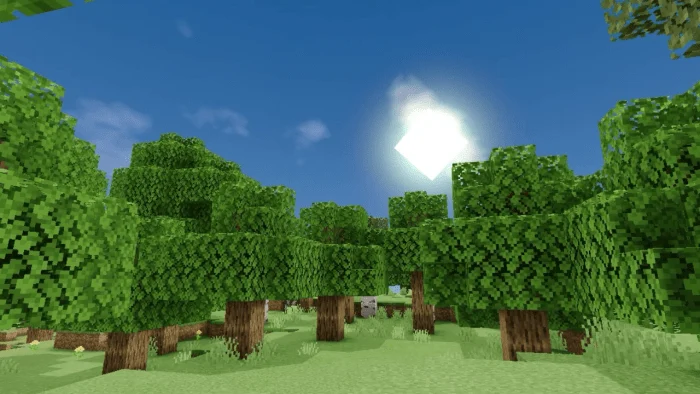
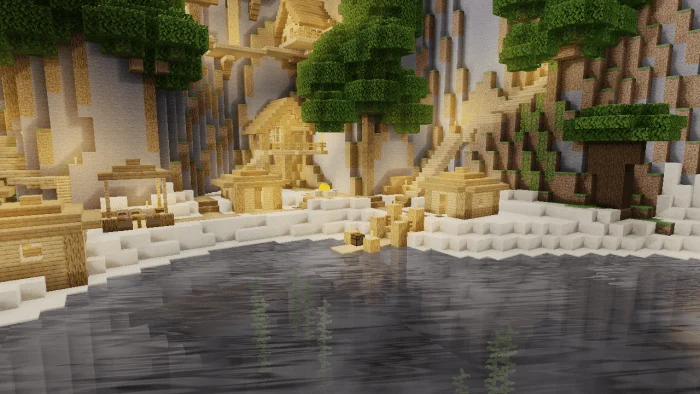
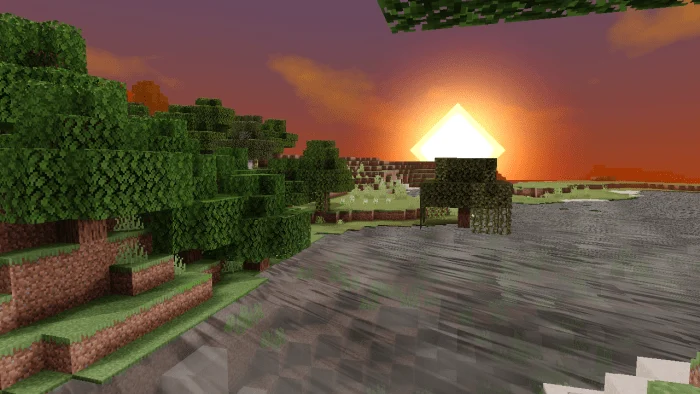
Sunrise shader a pack of resources that will change the Minecraft experience to the maximum with its incredible, realistic graphics and the best thing about this shader is its performance that you can run on low-resource phones 1GB ram – 2GB ram.
Features to have this shader
1- The most important is its performance for low resource phones
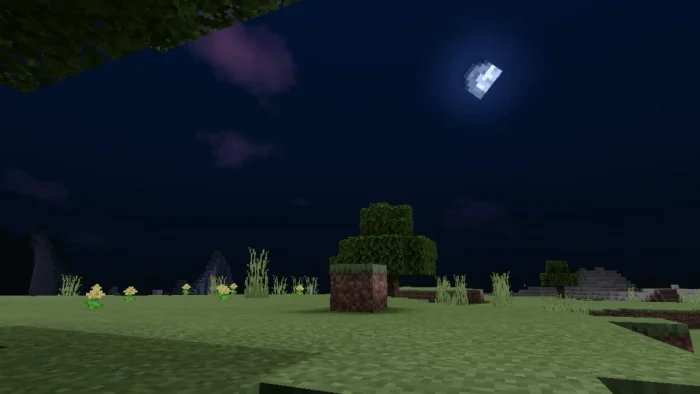
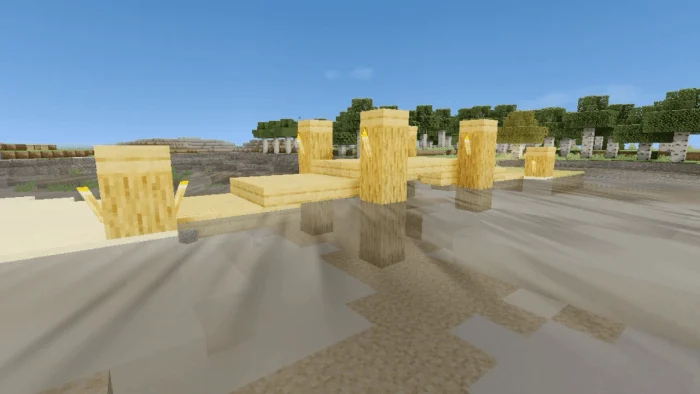
2- Incredible shadows, illumination and its waters
3- Water and under water is super realistic
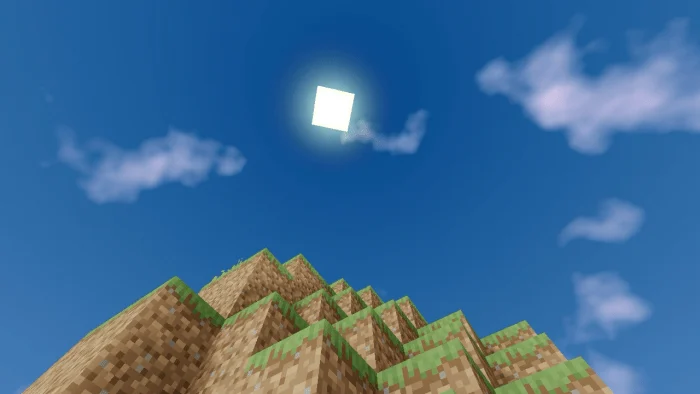
4- Skies with realistic clouds and stars as in the day as well as at night
5- The generic movement of plants
7- The Nether is enlightened. It is not dark you can see it easily
Sunrise Shader screenshots
How to install Sunrise Shader
- Download the .mcpack file using the button on this page.
- Open the downloaded file with Minecraft Bedrock Edition.
- Wait for Minecraft to confirm that the import has completed.
- Activate the imported pack in the world settings.
- Back up important worlds before installing community content.
Download Sunrise Shader (1.16) Low-End Devices for free
Preparing your download…
If the download did not start automatically, click here.