About Sweet Dreams
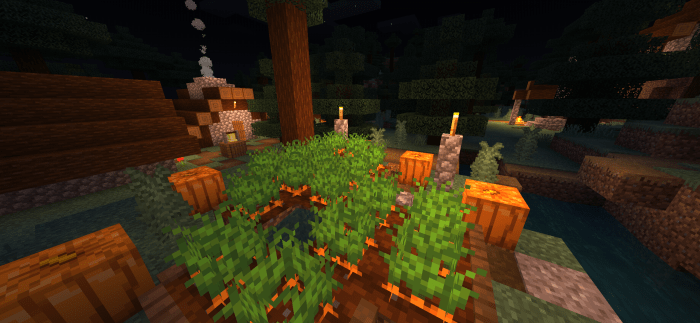
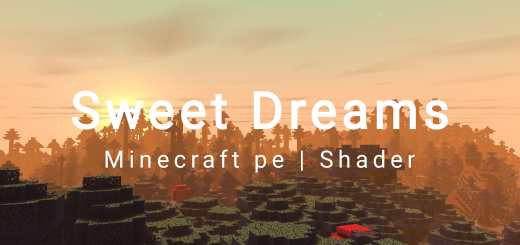
Sweet Dreams Shader it is a really nice shader for low-mid devices. Recomend brightnes 50 – 100. This shader have:
- ToneMap
- Shadows (Block shadow and side shadow)
- Waving water
- Caustic effect
- Beautiful clouds
- Water reflection
- Waving leaves and plants
- Torch color
- Beautiful sky
- Rain effect
- Nether waving
- End sky
Sweet Dreams screenshots
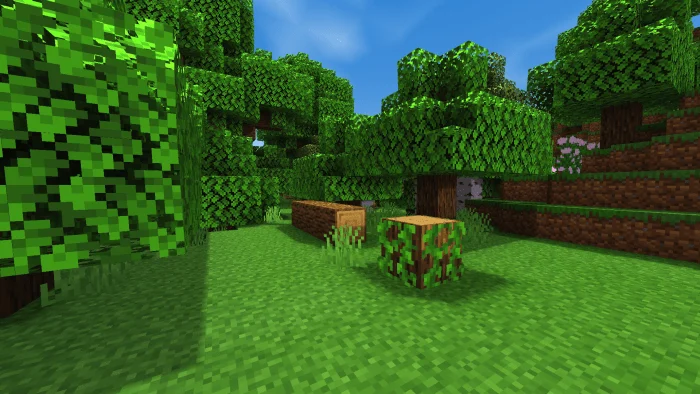
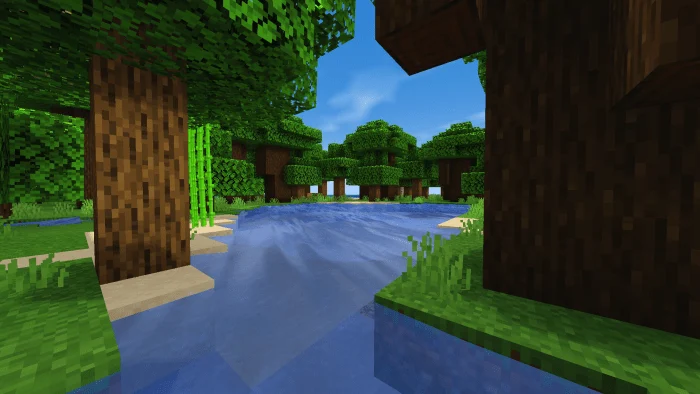
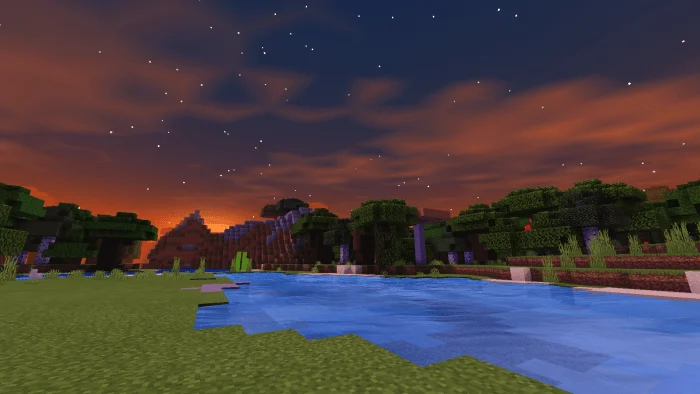
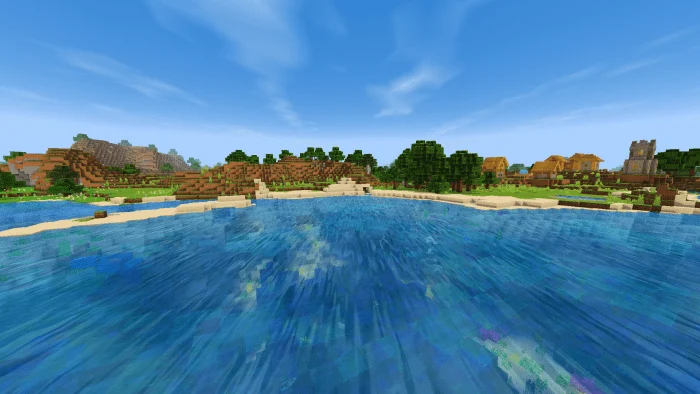
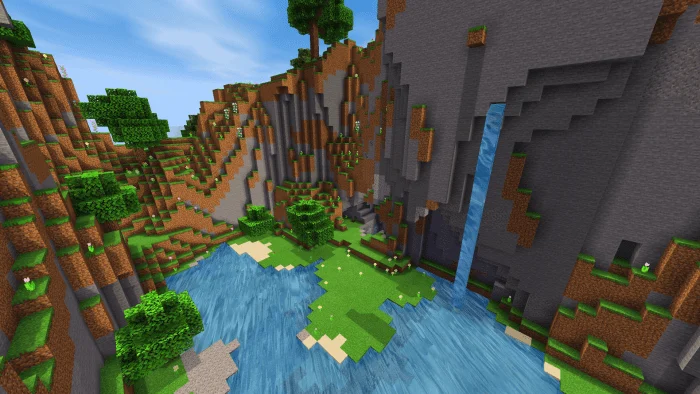
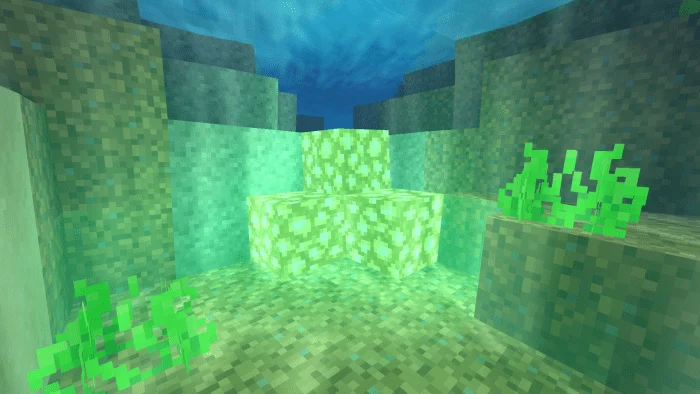
How to install Sweet Dreams
- Download the .mcpack file using the button on this page.
- Open the downloaded file with Minecraft Bedrock Edition.
- Wait for Minecraft to confirm that the import has completed.
- Activate the imported pack in the world settings.
- Back up important worlds before installing community content.
Download Sweet Dreams (1.16) Top for free
Preparing your download…
If the download did not start automatically, click here.