About FullBright
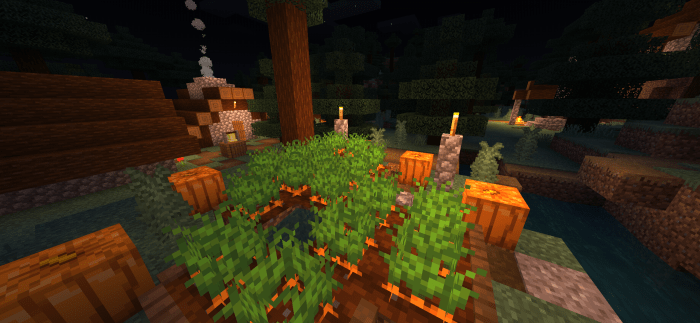
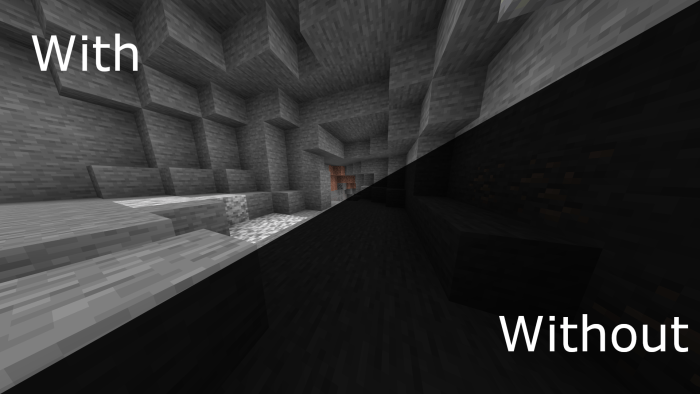
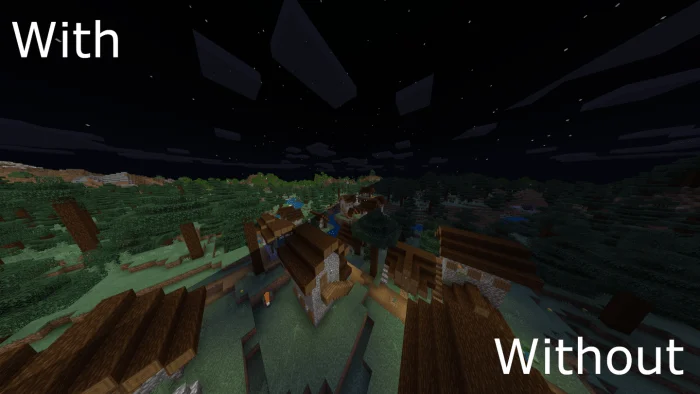
Forget the torches. This shader removes darkness from the game and does not affect the other pack resources in your game. This pack is suitable for anyone who wants to be exploring at night or go on an underground adventure to explore the caves. Everything will be the same except that you will now be able to see everything very easily.
FullBright screenshots
How to install FullBright
- Download the .mcpack file using the button on this page.
- Open the downloaded file with Minecraft Bedrock Edition.
- Wait for Minecraft to confirm that the import has completed.
- Activate the imported pack in the world settings.
- Back up important worlds before installing community content.
Download FullBright (1.16) Shaders for free
Preparing your download…
If the download did not start automatically, click here.