
About 3D Lightsaber
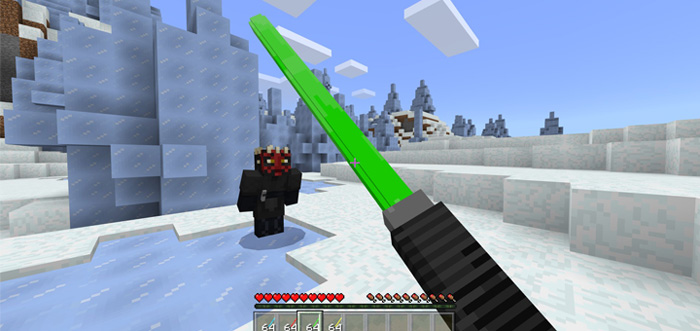
The 3D Lightsaber Addon replaces some of the blocks in-game with four new lightsabers which is a sword-like weapon in Star Wars. All lightsabers have different colors, strengths and effects for the one wielding them. The included colors are red, yellow, blue and green. As a whole, it’s pretty cool but there’s one downside and that is that it looks very strange in third-person. But if you can look past that then you won’t be disappointed.
Creator: TheEnderface
How does it work? Skull and head blocks have been replaced by the lightsabers. There’s no other way to obtain them other than looting it from a mob (extremely rare) or obtaining one via the creative inventory.
Each sword has a different attack damage as well as a different speed boost for the player who’s using it.
Lightsabers Green Lightsaber Speed: 1.1 Attack Damage: 6 Yellow Lightsaber Speed: 1.2 Attack Damage: 8 Blue Lightsaber Speed: 1.3 Attack Damage: 10 Red Lightsaber Speed: 1.4 Attack Damage: 12
How to install 3D Lightsaber
- Download the .mcpack file using the button on this page.
- Open the downloaded file with Minecraft Bedrock Edition.
- Wait for Minecraft to confirm that the import has completed.
- Activate the imported pack in the world settings.
- Back up important worlds before installing community content.
Download 3D Lightsaber Weapon for free


