
About 3D Buckets
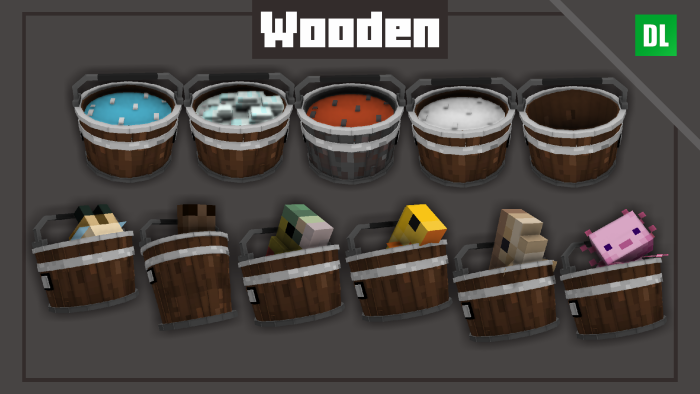
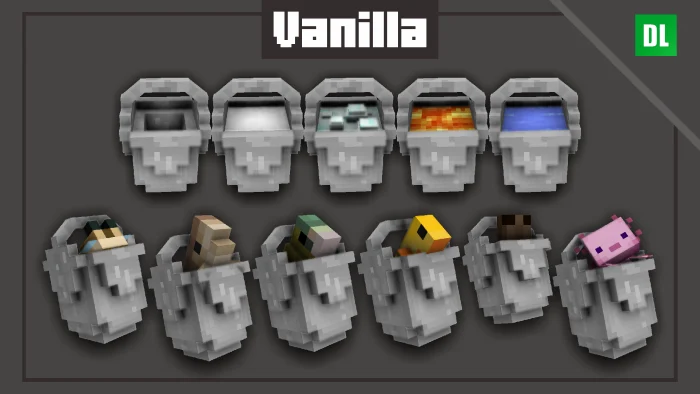
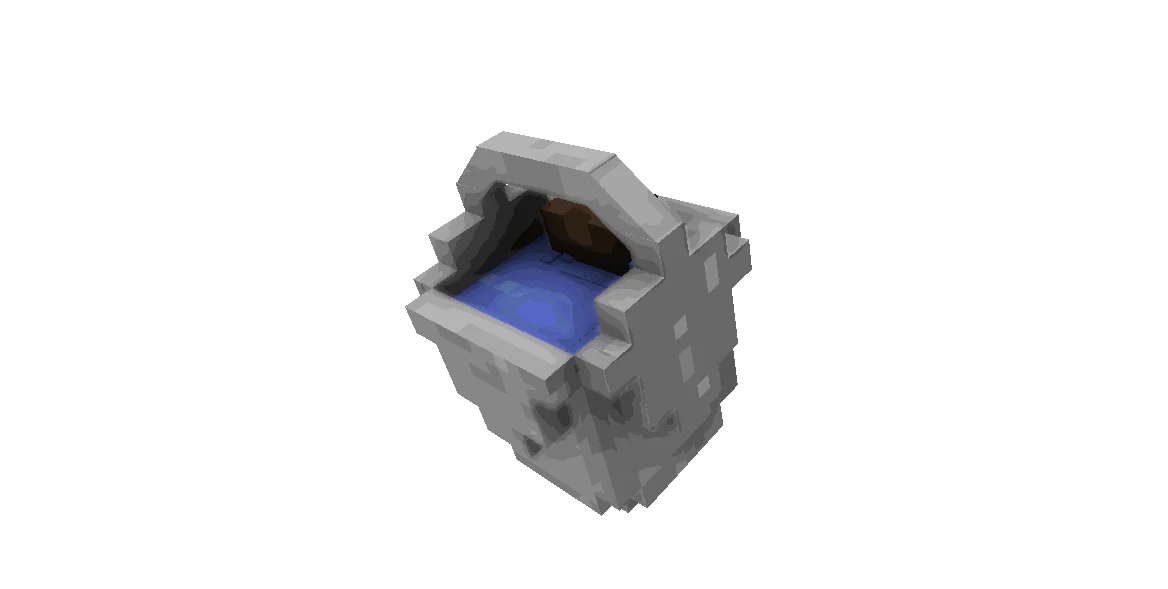
Hi Minecrafters, are you bored with plain 2D texture? and no animation on it? well there is help now, behold! 3D Buckets!! yes its animated and important is ANIMATED! yes with blinking eyes too!
3D Buckets screenshots
How to install 3D Buckets
- Download the .mcpack file using the button on this page.
- Open the downloaded file with Minecraft Bedrock Edition.
- Wait for Minecraft to confirm that the import has completed.
- Activate the imported pack in the world settings.
- Back up important worlds before installing community content.
Creator: HyperF3GamerINDO & Firanyu
Download 3D Buckets (1.19, 1.20) Textures for free
Preparing your download…
If the download did not start automatically, click here.


