
About Winter Pack
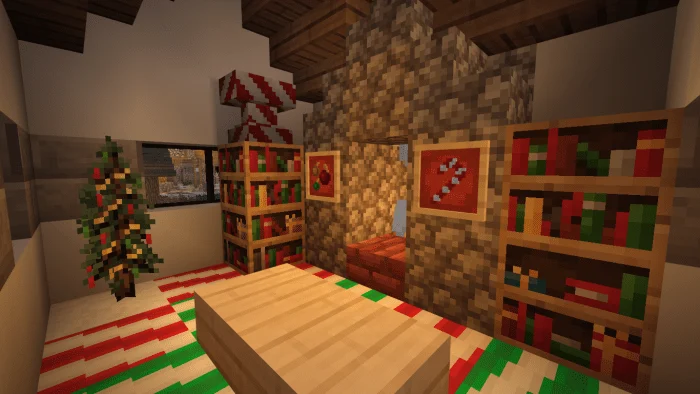
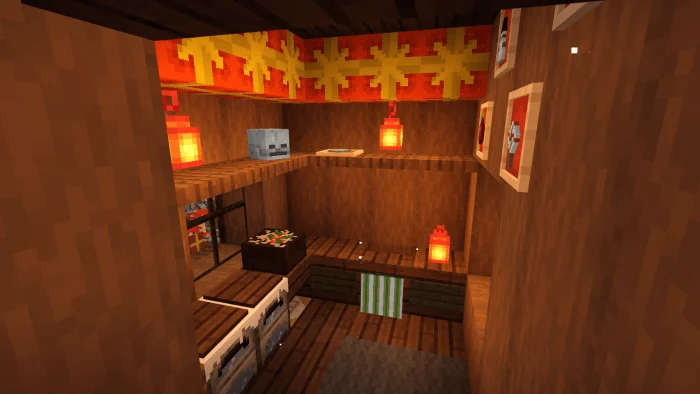
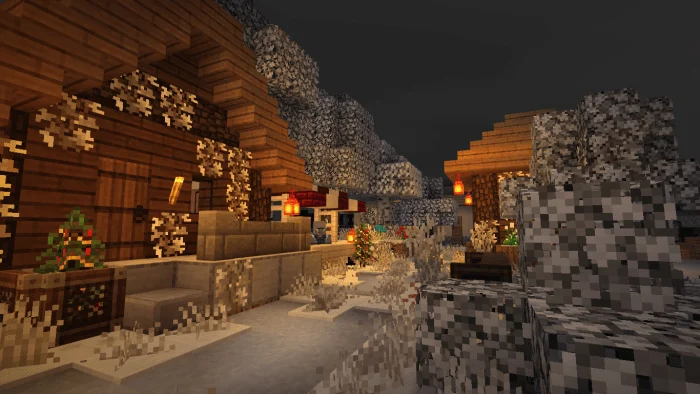
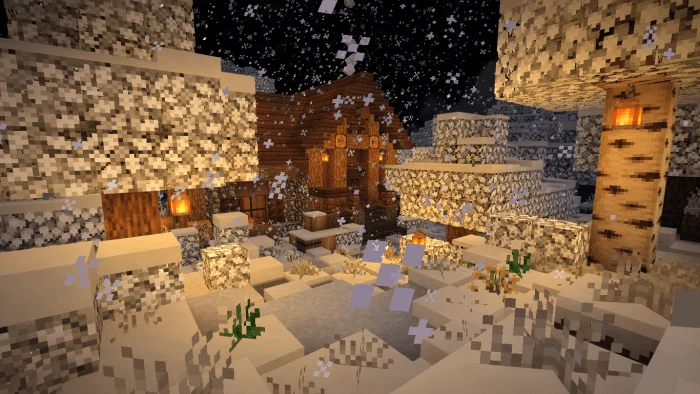
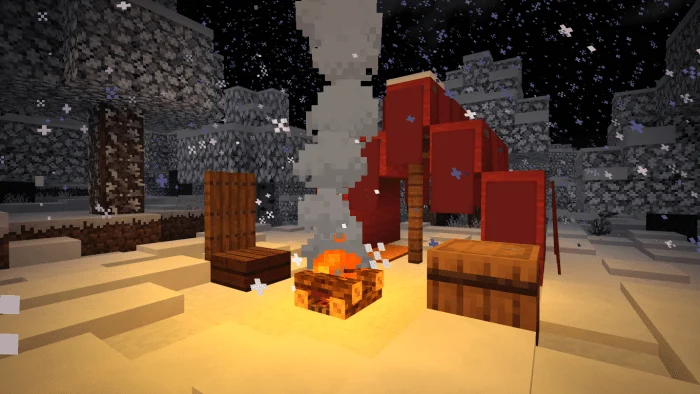
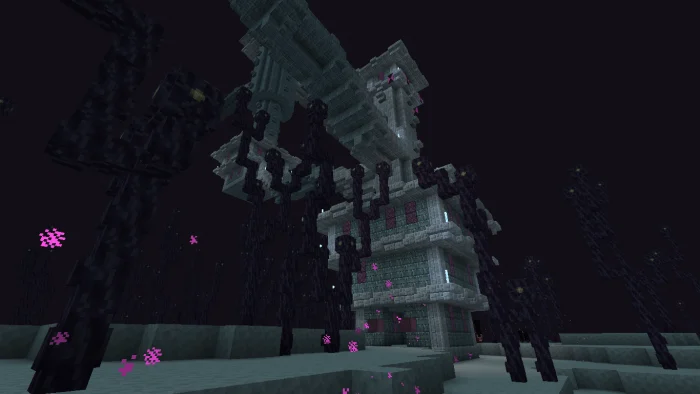
Inspired by the time of giving and spending time with the family Winter pack was developed to bring you joy and love in every way despite having bad and hateful moments, you just have to think about the joy that will happen in these last days of the year
Winter Pack screenshots

How to install Winter Pack
- Download the .mcpack file using the button on this page.
- Open the downloaded file with Minecraft Bedrock Edition.
- Wait for Minecraft to confirm that the import has completed.
- Activate the imported pack in the world settings.
- Back up important worlds before installing community content.
Download Winter Pack (1.16) Top for free
Preparing your download…
If the download did not start automatically, click here.


