
About Item Info+
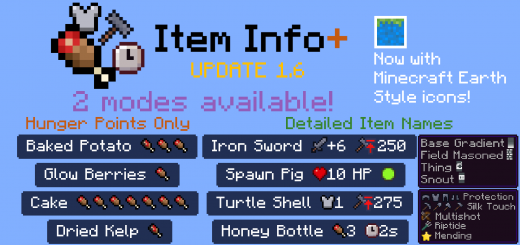
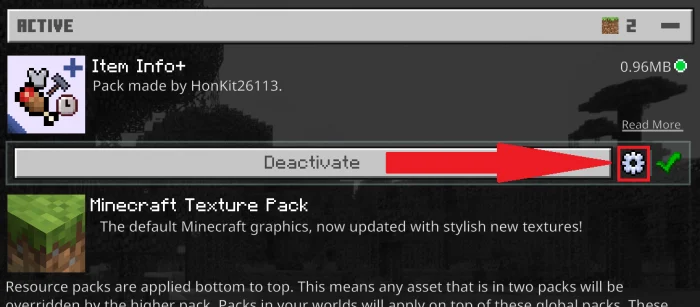
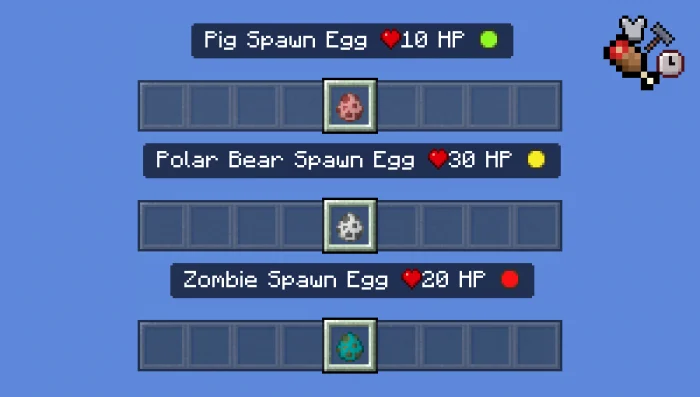
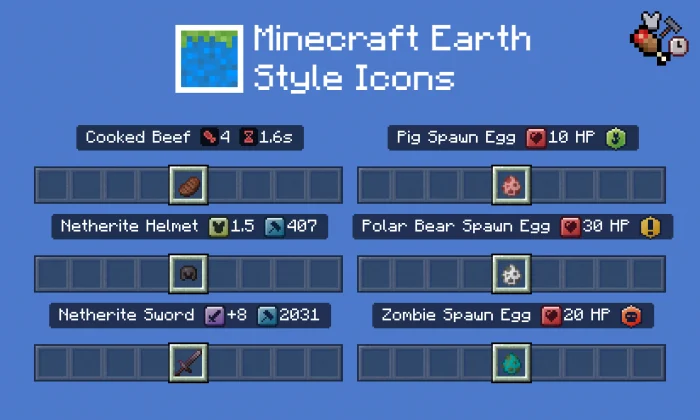
More stats are now shown on item names, using simple and easy-to-understand icons. The amount of hunger points given for consuming a food item is now shown in the name of the food item! You can also choose for it to show the amount of time needed to eat it, armor points a piece of armor gives you, the maximum durability of an item, how much HP a mob has and its hostility. There are 3 different modes available: Go into Global Resources, activate the pack, and click on the cog next to the Deactivate button.Then simply choose what information you want to see on item names.
Item Info+ screenshots
How to install Item Info+
- Download the .mcpack file using the button on this page.
- Open the downloaded file with Minecraft Bedrock Edition.
- Wait for Minecraft to confirm that the import has completed.
- Activate the imported pack in the world settings.
- Back up important worlds before installing community content.
Download Item Info+ (1.16, 1.16 Beta) Textures for free
Preparing your download…
If the download did not start automatically, click here.


