
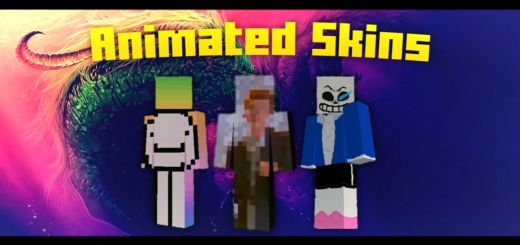
About Animated Skins
This pack will be a great addition to your animated perks and features in game, especially since it animates the avatar of the player.
Animated Skins screenshots


How to install Animated Skins
- Download the .mcpack file using the button on this page.
- Open the downloaded file with Minecraft Bedrock Edition.
- Wait for Minecraft to confirm that the import has completed.
- Activate the imported pack in the world settings.
- Back up important worlds before installing community content.
Download Animated Skins (1.16, 1.16 Beta) 64×64 for free
Preparing your download…
If the download did not start automatically, click here.


