
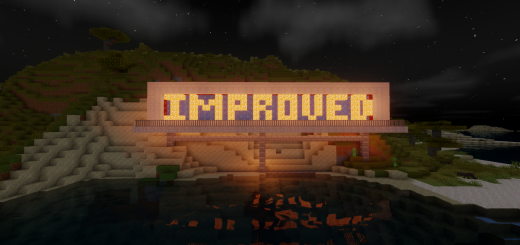
About Improved Default Textures
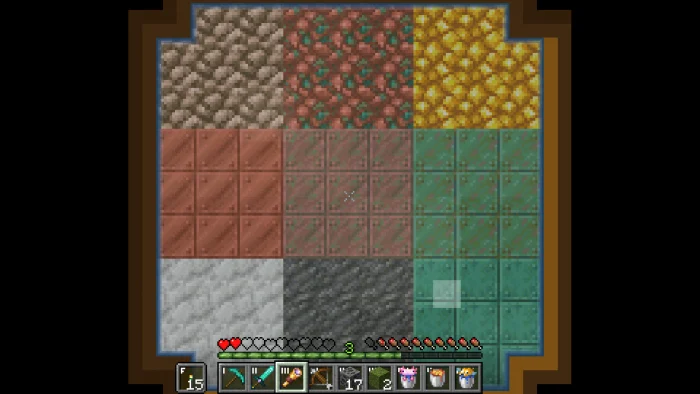
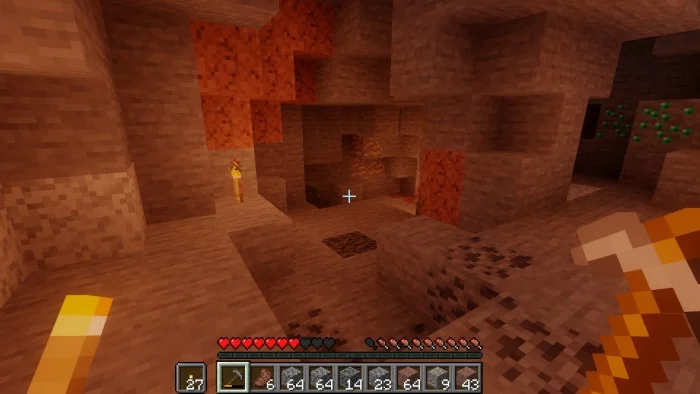
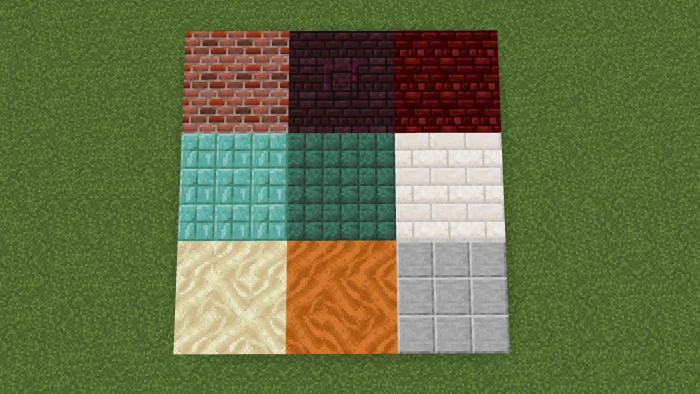
Whenever you play Minecraft, do you feel like some of the textures just needed tweaking to make the experience better? This pack is used to make many block textures just that much better in order to improve builds and the overall experience! One way is added brick color variation and color, the other is improving textures that don't really fit in with other blocks, and a few other miscellaneous changes to blocks have occurred as well.
Improved Default Textures screenshots
How to install Improved Default Textures
- Download the .mcpack file using the button on this page.
- Open the downloaded file with Minecraft Bedrock Edition.
- Wait for Minecraft to confirm that the import has completed.
- Activate the imported pack in the world settings.
- Back up important worlds before installing community content.
Download Improved Default Textures (1.16, 1.17) 16×16 for free
Preparing your download…
If the download did not start automatically, click here.


