
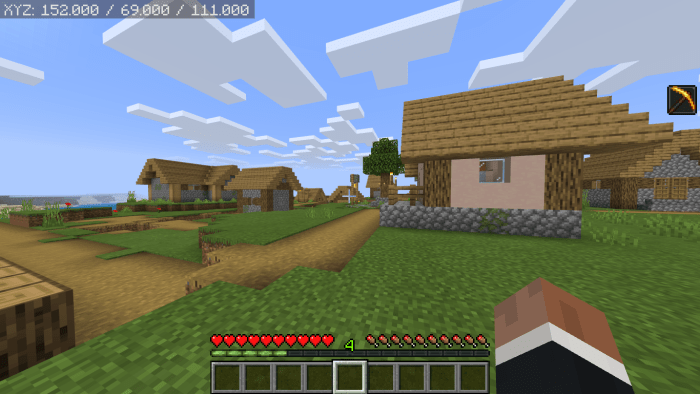
About Lukas’ Java Parity
Lukas’ Java Parity Pack is a resource pack that aims to close the parity gap between Java Edition and Bedrock Edition. This resource pack accomplishes this by changing small parity issues to make them closer to the Java Edition. This resource pack was designed to be compatible with nearly every type of content available: UI packs, resource packs, shaders, marketplace content, and other types of content.
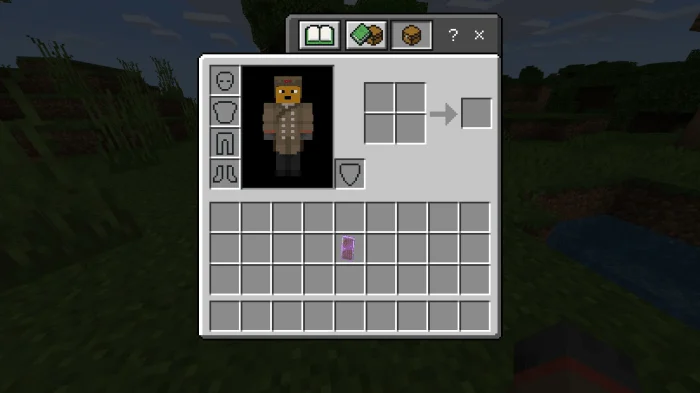
Lukas’ Java Parity screenshots
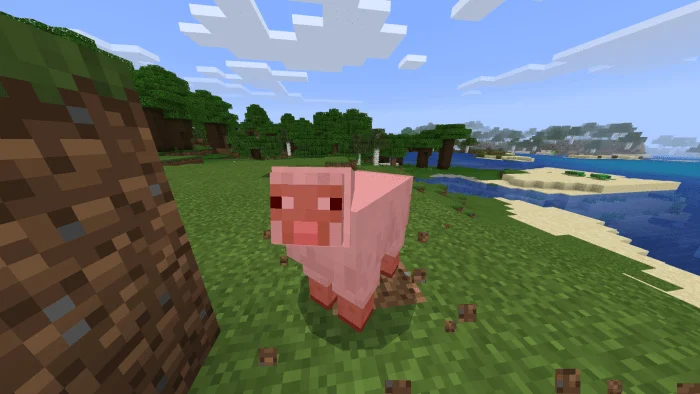
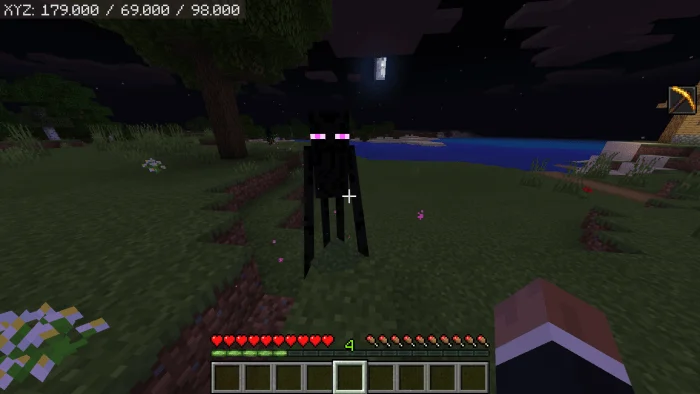
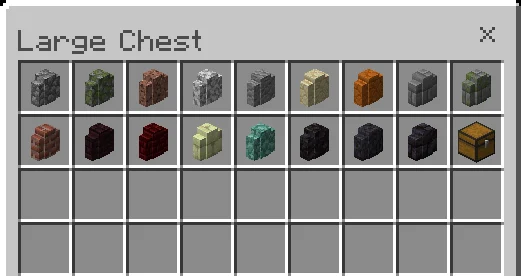
How to install Lukas’ Java Parity
- Download the .mcpack file using the button on this page.
- Open the downloaded file with Minecraft Bedrock Edition.
- Wait for Minecraft to confirm that the import has completed.
- Activate the imported pack in the world settings.
- Back up important worlds before installing community content.
Download Lukas’ Java Parity (1.16) Textures for free
Preparing your download…
If the download did not start automatically, click here.


