
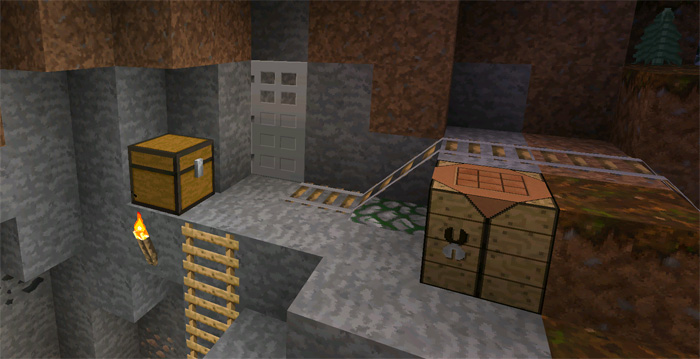
About Faithful PE
Do you like the default textures in Minecraft but wish it existed as the double resolution? If that’s the case then the Faithful PE texture pack is the perfect solution. It keeps the original look of Minecraft but the resolution is two times better (32×32 instead of 16×16 pixels) which makes the graphics look a lot better. This texture pack has long existed for the PC version of Minecraft and today you are able to download it for Minecraft Pocket Edition as well.
How to install Faithful PE
- Download the .mcpack file using the button on this page.
- Open the downloaded file with Minecraft Bedrock Edition.
- Wait for Minecraft to confirm that the import has completed.
- Activate the imported pack in the world settings.
- Back up important worlds before installing community content.
Download Faithful PE 32×32 for free
Preparing your download…
If the download did not start automatically, click here.


