
About Arabic Translation Resource Pack
This resource pack adds an Arabic translation for most texts in Minecraft Pocket Edition. Keep in mind that I cannot confirm the accuracy of the translation since I don’t speak/write Arabic. It would therefore be nice to get some feedback from users who know the language.
Creators: Space_canvas (Twitter) (small text), SKAR_Gamer (big text) Updated: 5 June, 2017 (small text compatible with 1.1)
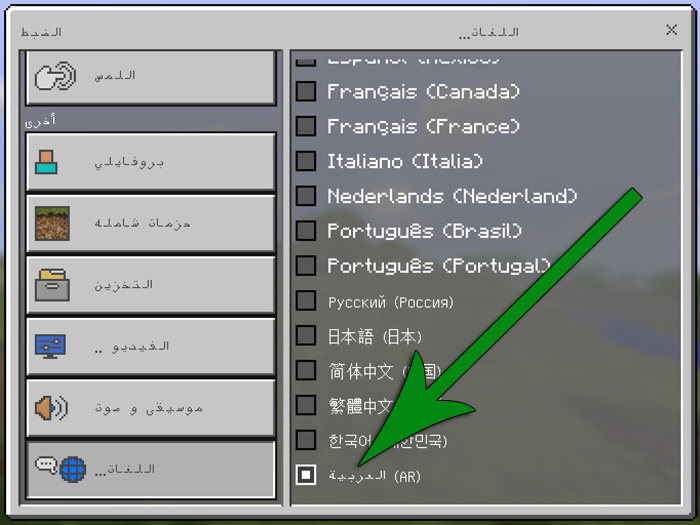
How to activate the Arabic translation? First off you need to download the translation and install it (instructions can be found further down on this page). But you’re not done yet. Go to the Language Settings and scroll down to the bottom of the list to find the Arabic language (as seen in the image down below).
How to install Arabic Translation Resource Pack
- Download the .mcpack file using the button on this page.
- Open the downloaded file with Minecraft Bedrock Edition.
- Wait for Minecraft to confirm that the import has completed.
- Activate the imported pack in the world settings.
- Back up important worlds before installing community content.
Download Arabic Translation Resource Pack Textures for free


