
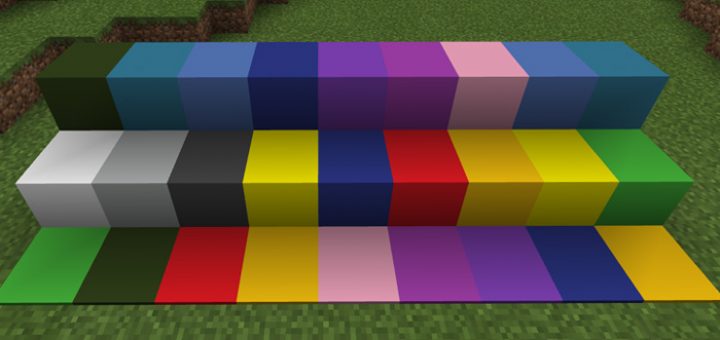
About Plain Wool Colors Texture Pack
This is a simplistic texture pack which changes all of the wool and carpet blocks. The primary difference you’ll notice is that the textures look much more clean and less pixelated. It’s perfect for anyone who want to use the wool and carpet blocks but need more gentle textures which don’t stand out too much.
Creator: Assassiner 003, Twitter Account, YouTube Updated: 22 April, 2017 (added brighter colors for yellow, red, orange, pink)
How to install Plain Wool Colors Texture Pack
- Download the .mcpack file using the button on this page.
- Open the downloaded file with Minecraft Bedrock Edition.
- Wait for Minecraft to confirm that the import has completed.
- Activate the imported pack in the world settings.
- Back up important worlds before installing community content.
Download Plain Wool Colors Texture Pack for free
Preparing your download…
If the download did not start automatically, click here.


