
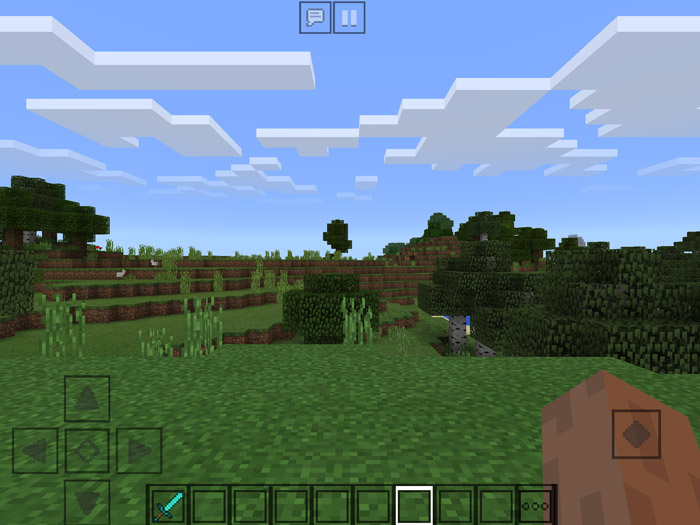
About Outlined GUI Resource Pack
This texture pack makes most of the graphical user interface (GUI) transparent with dark outlines. It’s a very good pack if you are looking for something simplistic which doesn’t stand out as much as the original GUI. Some drawbacks are the hunger and health bar and also some buttons in menus which are difficult to read.
Creator: Blue_Ninja, Twitter Account
How to install Outlined GUI Resource Pack
- Download the .mcpack file using the button on this page.
- Open the downloaded file with Minecraft Bedrock Edition.
- Wait for Minecraft to confirm that the import has completed.
- Activate the imported pack in the world settings.
- Back up important worlds before installing community content.
Download Outlined GUI Resource Pack Textures for free
Preparing your download…
If the download did not start automatically, click here.


