
About PC GUI Pack
The PC GUI Pack changes the graphical user interface, block textures and sounds to be more like the PC version of Minecraft. It’s the most comprehensive pack currently available of its kind and it’s also regularly updated with more features. Give it a try and transform (to some extent at least) the way you experience Pocket Edition!
Creators: SirZeus (Twitter), Sprintermax (Twitter), Hawt Dawg Man (Twitter), CrizArt EX (Twitter)
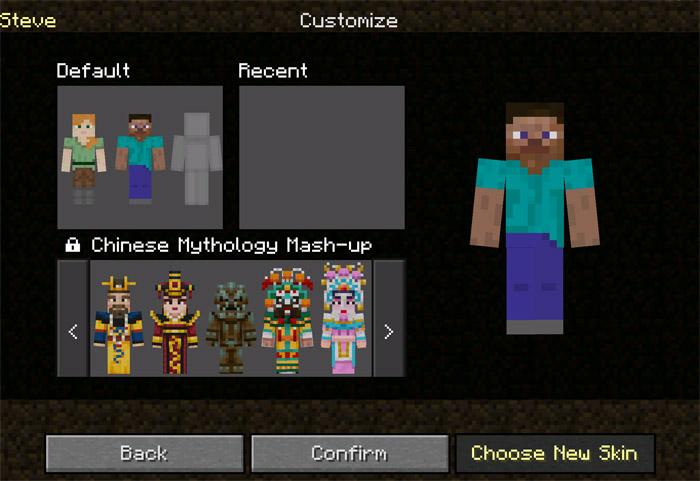
All Features Start screen Fading Mojang logo Chat screen Containers look like PC Autocomplete button for chat Pause screen, hide and show player list HUD screen New texture for observer Death screen New icons New effects icons Water and lava looks like PC PC Sounds Villager Zombie villager You can hear squids underwater TNT Flowing water Sounds underwater Watersplash & swimming Doors & trapdors Lava Chests Rain Thunder Cave (behaves like music) Inventory screen Skin picker screen Water looks like PC Icon changes PC splash texts UI buttons (toggles and dropdowns)
How to install PC GUI Pack
- Download the .mcpack file using the button on this page.
- Open the downloaded file with Minecraft Bedrock Edition.
- Wait for Minecraft to confirm that the import has completed.
- Activate the imported pack in the world settings.
- Back up important worlds before installing community content.
Download PC GUI Pack Textures for free


