
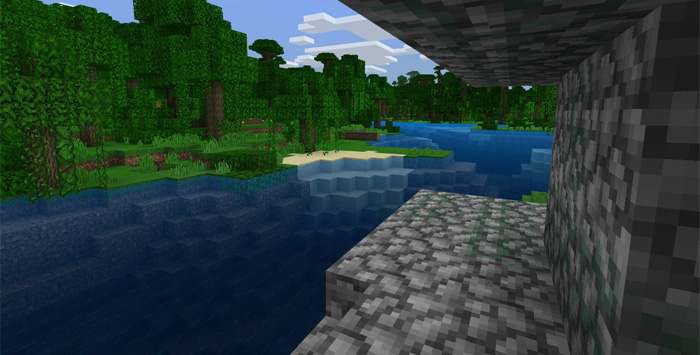
About Vanilla Alternative
This texture pack aims to improve the default textures of the game while keeping the original look of the textures. Most of the textures have been completely redesigned except for a few ones which will be updated in a future release. The texture pack is still a work in progress but it’s still good enough to definitely enhance the game textures and make them more smooth.
How to install Vanilla Alternative
- Download the .mcpack file using the button on this page.
- Open the downloaded file with Minecraft Bedrock Edition.
- Wait for Minecraft to confirm that the import has completed.
- Activate the imported pack in the world settings.
- Back up important worlds before installing community content.
Download Vanilla Alternative 16×16 for free
Preparing your download…
If the download did not start automatically, click here.


