
About Simplified Textures
Minecraft made simple! Updates expected in the future! This texture pack takes the current textures of Minecraft and simplified them. With the exception of the red mushroom which is now blue, and the furnace fire, which is also blue. Mobs look simpler. Items are more basic. These are clean, smooth, simple textures. And the Creeper even looks kinda cute…
Simplified Textures screenshots
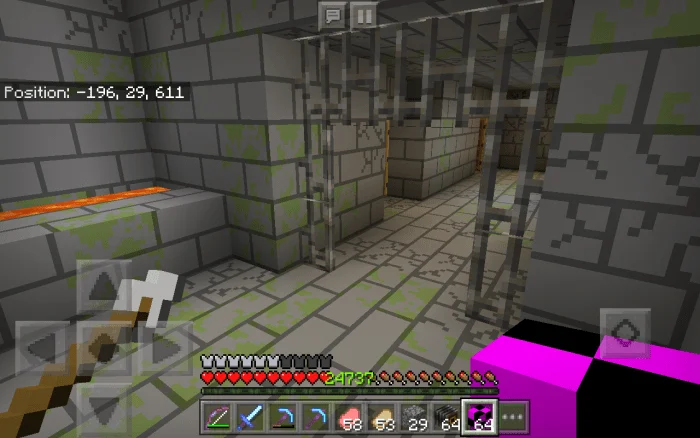
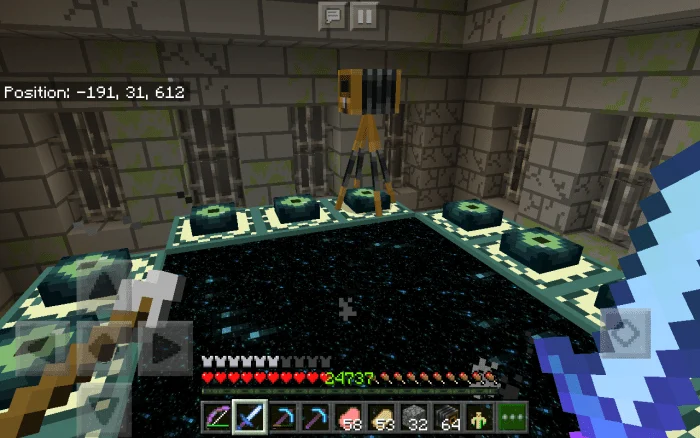
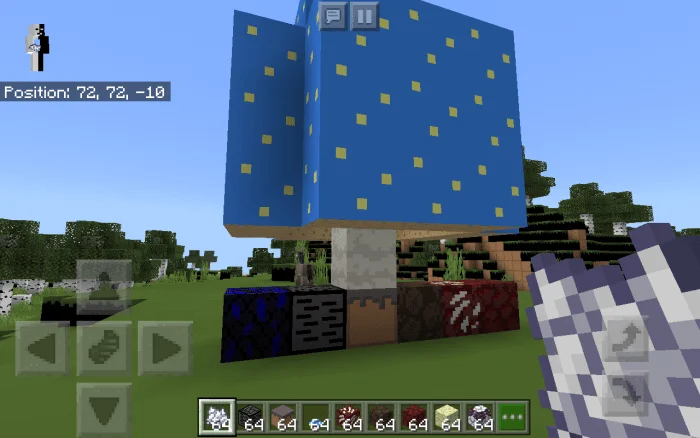
How to install Simplified Textures
- Download the .mcpack file using the button on this page.
- Open the downloaded file with Minecraft Bedrock Edition.
- Wait for Minecraft to confirm that the import has completed.
- Activate the imported pack in the world settings.
- Back up important worlds before installing community content.
Download Simplified Textures (1.14) 16×16 for free
Preparing your download…
If the download did not start automatically, click here.


