
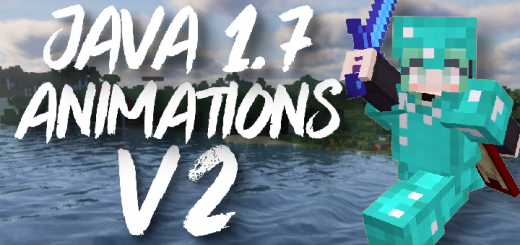
About Java 1.7 Animations V2
Created By ambient
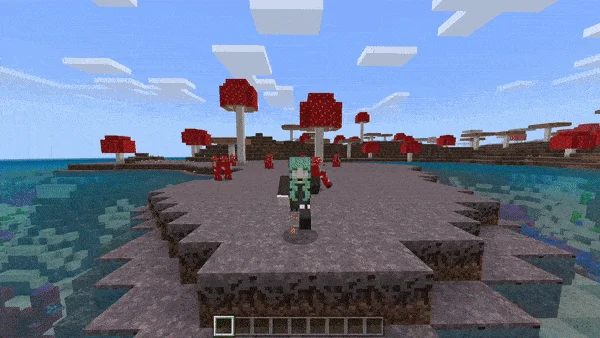
Do you hate the vanilla Bedrock Edition player animations and general feel of the new Bedrock, ever since 1.13.0? Or maybe you want yet another way to make Bedrock look and feel closer to Java Edition, especially for PVP. Look no further, because this pack makes many improvements and tweaks to player animations to more closely resemble Java edition 1.7
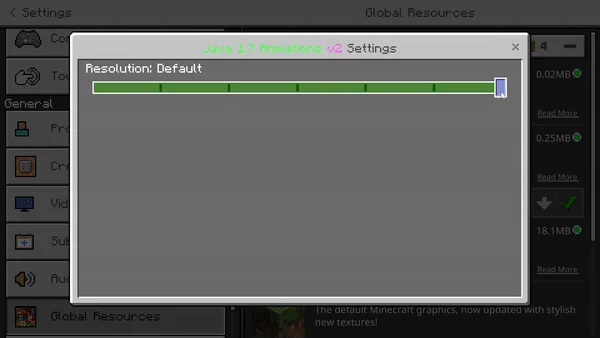
You can choose from 9 different subpack settings, which in turn means I have a higher chance of satisfying everyone. You can disable the sword blocking animation and damage/projectile particles, change armor overlay color, double the damage particles, disable the armor overlay entirely (essentially what is in vanilla bedrock already), etc. You may have to restart your game in order for these subpack changes to take effect.
Java 1.7 Animations V2 screenshots
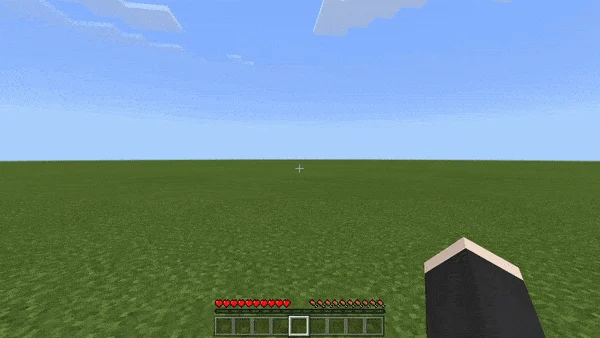
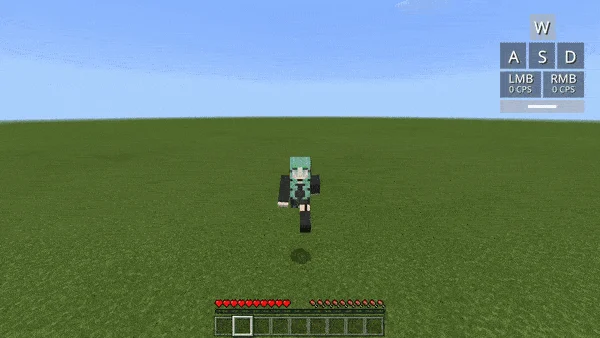
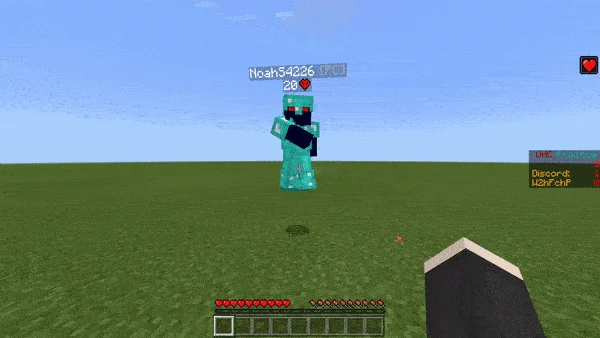
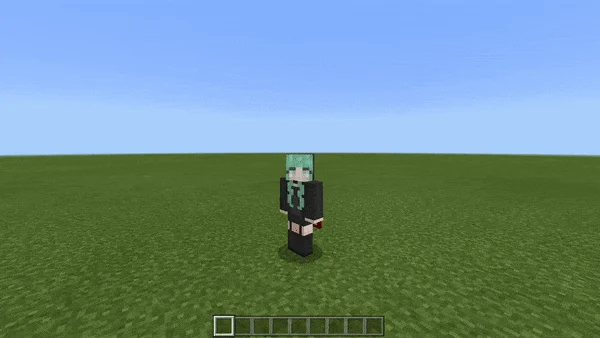
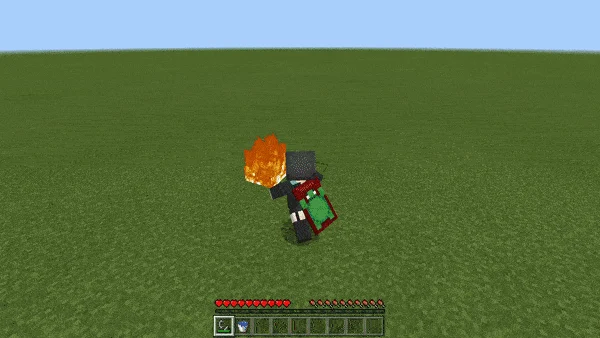
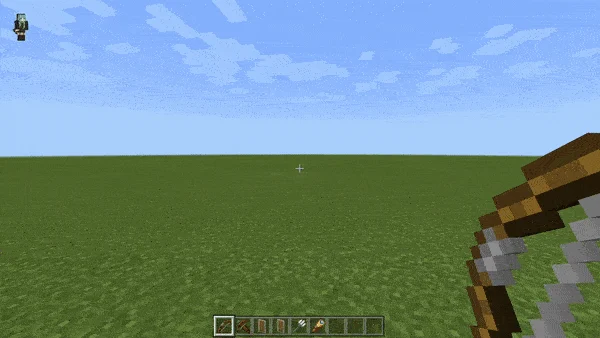
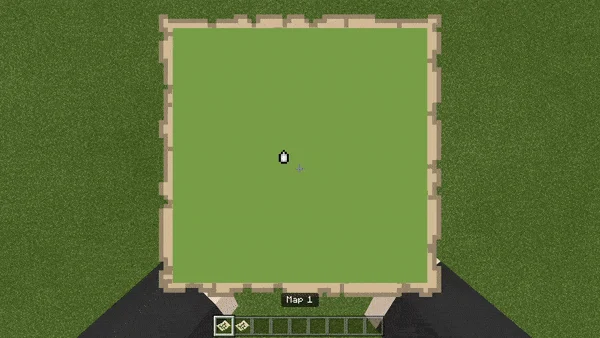
How to install Java 1.7 Animations V2
- Download the .mcpack file using the button on this page.
- Open the downloaded file with Minecraft Bedrock Edition.
- Wait for Minecraft to confirm that the import has completed.
- Activate the imported pack in the world settings.
- Back up important worlds before installing community content.
Download Java 1.7 Animations V2 (1.17, 1.18) Top for free


