
About Clear Vanilla
Created By Tal Melamed
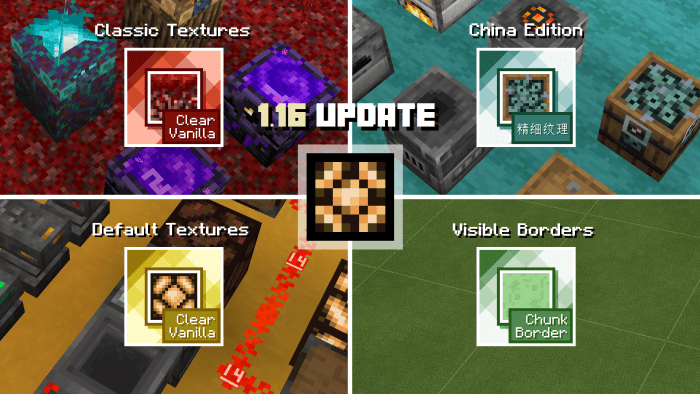
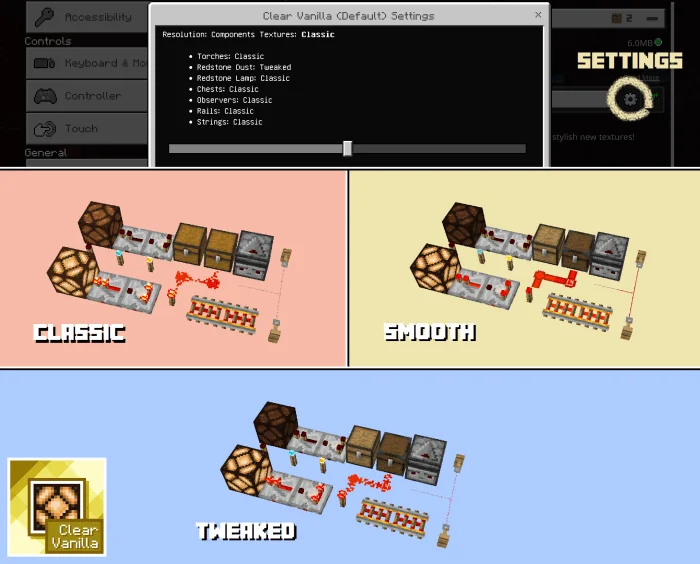
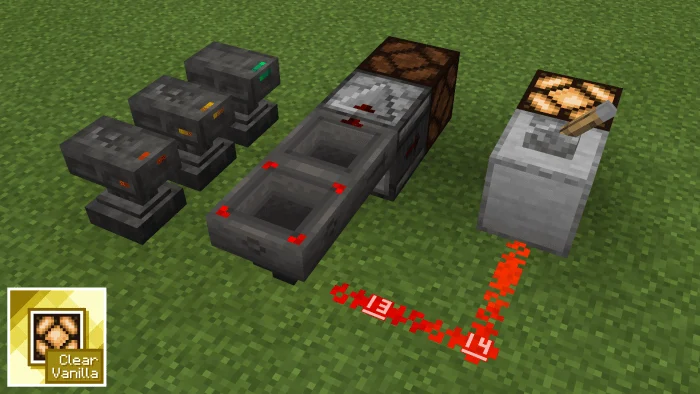
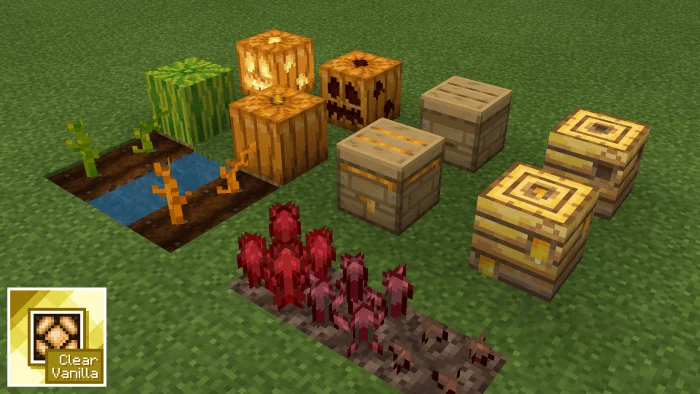
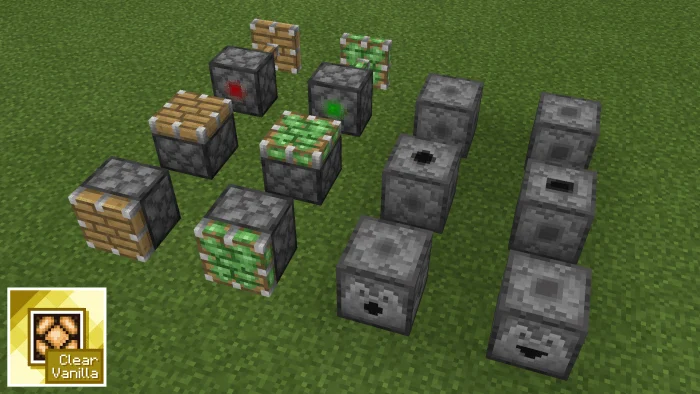
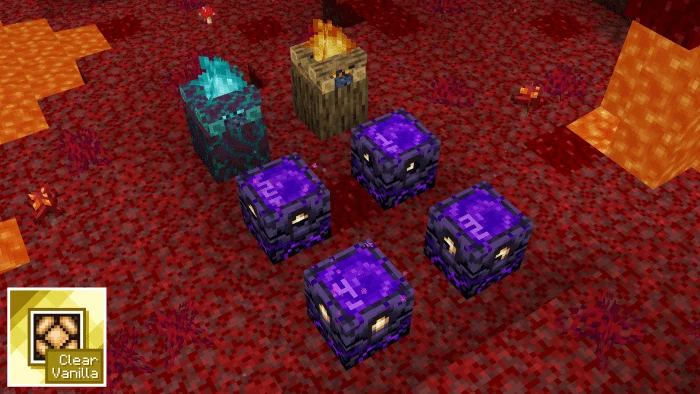
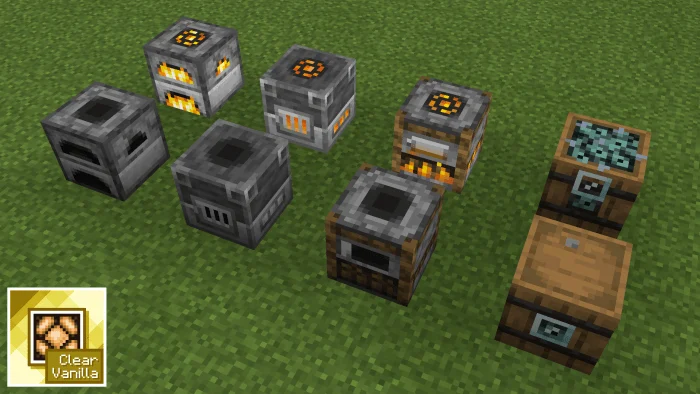
This resource pack was created to make Minecraft: Bedrock Edition a lot more clearer and detailed in terms of textures as much as possible. It changes things such as sides of a sticky piston, visual observer texture when activated, and a lot more…
The main idea of this resource pack is to implement all the possible useful tools for making redstone systems professionally by distinguishing between similar textures easily.
It’s probably the most recommended resource pack for redstoners and technical players on Bedrock.
Clear Vanilla screenshots
How to install Clear Vanilla
- Download the .mcpack file using the button on this page.
- Open the downloaded file with Minecraft Bedrock Edition.
- Wait for Minecraft to confirm that the import has completed.
- Activate the imported pack in the world settings.
- Back up important worlds before installing community content.
Download Clear Vanilla (1.16, 1.17, 1.18, 1.19) 16×16 for free
Preparing your download…
If the download did not start automatically, click here.


